
Description
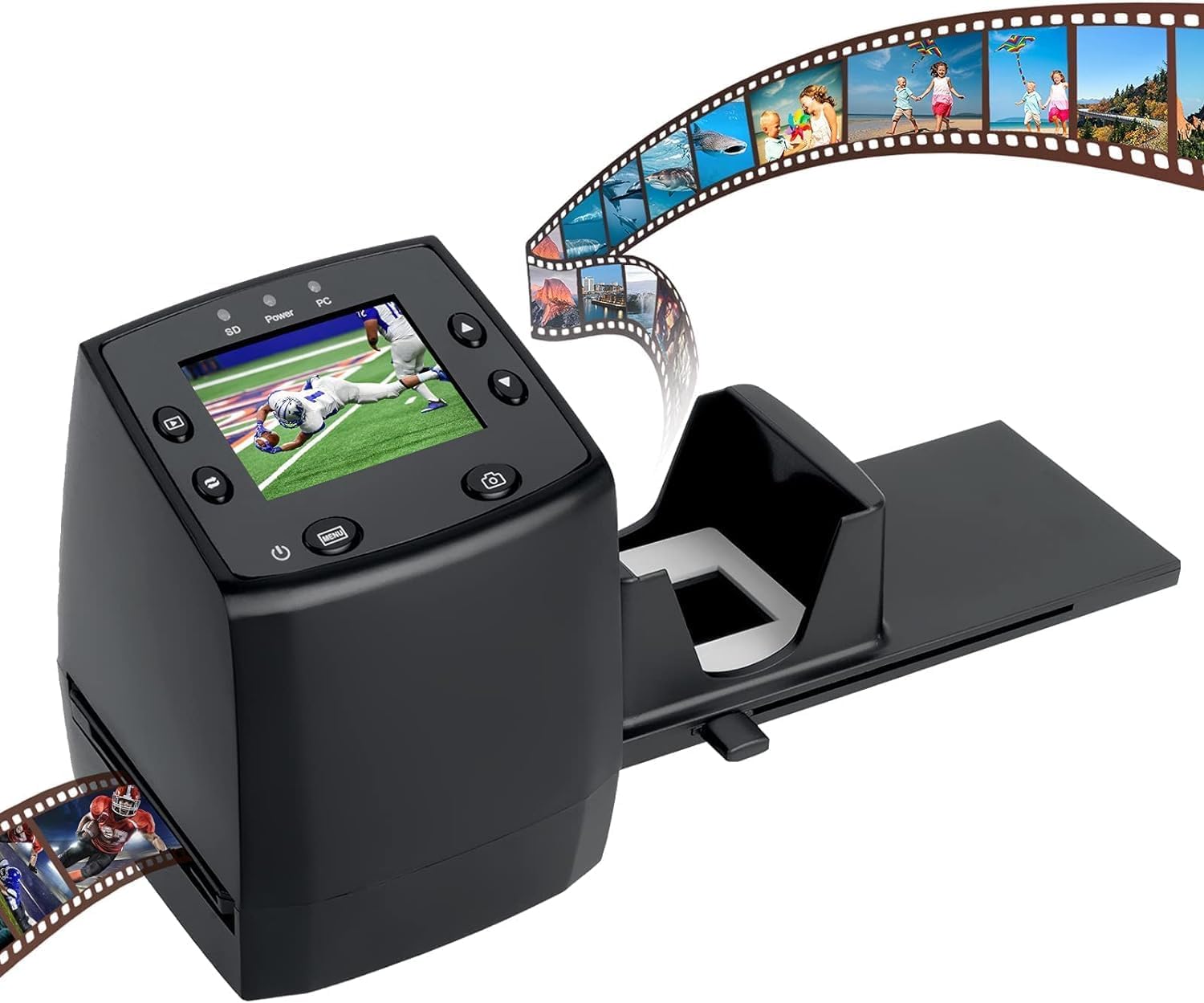
- Includes adjustable rapid slide feeder; Once you digitize them into JPG files they can be copied, moved, duplicated freely with a simple click of a mouse.
- 5/10 Mega Pixel Stand alone Film/Slide, scan film to your SD card(up to 32GB SDHC) or computer in 1800DPI high resolution
- USB 2.0 interface Convert Video Cable to TV out feature: NTSC/PAL
- Display is 2.4 inch TFT LCD screen (480×234)on the bottom, you can make the adjustment conveniently
- Operation system: Windows XP, VISTA, 7, 8,10,Mac OS
| Scanner Type | Film |
|---|---|
| Connection Type | USB |
| Resolution | 1800 |
| Color Depth | 16 bpp or higher (16,777,216 distinct colors or more) NA |
| Optical Sensor Technology | CIS |
| Greyscale Depth | supported NA |
| Light Source Type | LED |
| Media Type | Negatives, Slide |
| Item Dimensions D x W x H | 3.43″D x 3.4″W x 4.3″H |
| Item Weight | 1.5 pounds |
| UPC | 889743404968 612520601584 889743596571 |
| Unit Count | 1 Count |
| Manufacturer | DIGITNOW |
| Warranty Description | 1 Year |
| Minimum System Requirements | Windows XP |
| Connectivity Technology | USB |
| Item Depth Width Height | 3.43″D x 3.4″W x 4.3″H |
| Optical Sensor | CIS |
| Minimum System Requirement Description | Windows XP |
DIGITNOW HIGH QUALITY FILM SCANNER-NO PC OR SOFTWARE REQUIRED
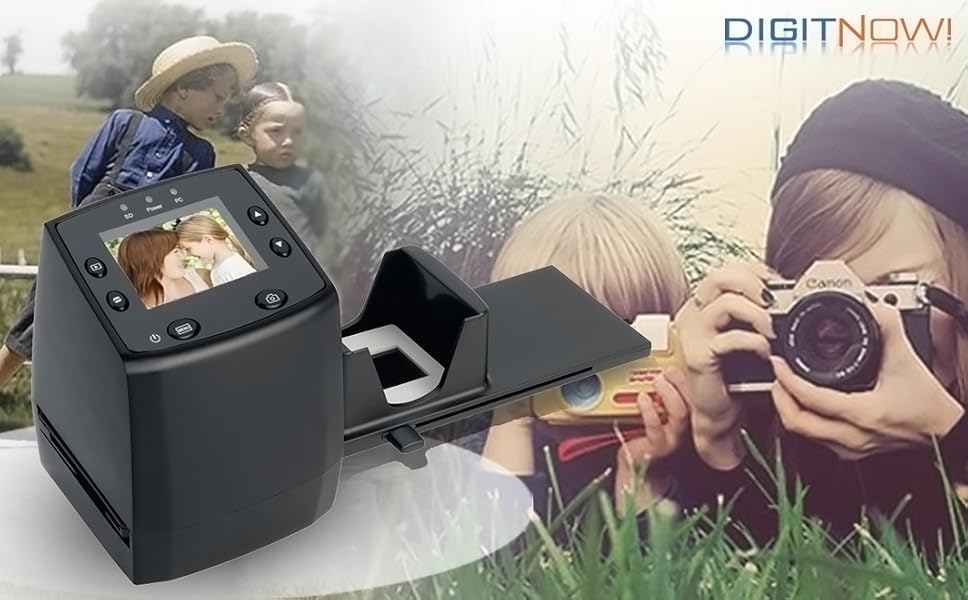
Convert your 35mm, slides and negative
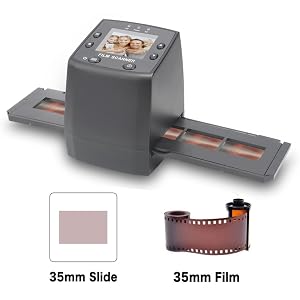
Have any old 35mm films or slides?
Here’s the perfect device to help you easily organize and externalize them.
At the touch of a button, the image digitizer will scan and convert your old memories into sharp, vibrant digital images in JPEG format.
These can then be viewed on your computer or other device, or printed out as regular photos.
There is no need for a computer connection to operate the scanner.
Once scanning is complete, the built-in 2.4-inch color LCD screen will display your digitized image
With this Converter, you can convert your slides & flims to JPEG in just three steps.
First, load your slides or negatives into the scanner, using the included negative or slide holder. Next, plug your converter with the included power adapter. Finally, you can start scanning your slides & negatives!
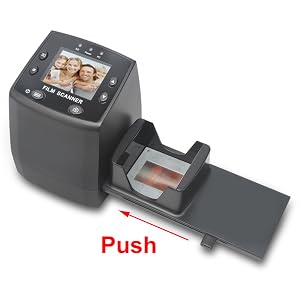
Quick Slide Holder for slides one buy one easily
With this Slide Holder, you can convert your slides conveniently by one push. The most quantity of the rapid feeder is about 6-8 pieces. Once you pushing one slide into this scanner, the 2.4-inch LCD will show your picture.
Then press the “Scan” button when ready. Snap! The image digitizer scans and converts your old memories into sharp, vibrant digital images in JPEG format. Images are saved to the internal memory or an optional SD card. These can thn be viewed on your computer or other device, or printed out as regular photos.
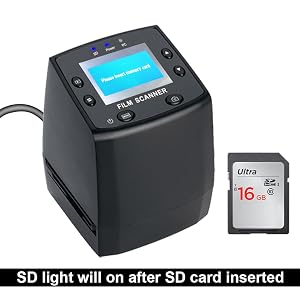
Each photo takes just seconds to convert, and you don’t need a computer to scan! Your photos are saved in digital JPG format on SD card.
So you need to get an SD card inserted before scanning and get the SD light on. Then you can start scaning.
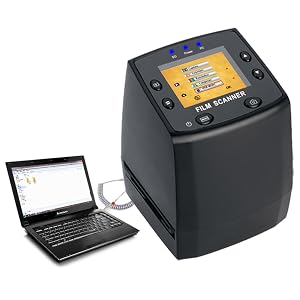
After you’re done scanning, you can either transfer your photos to your PC or Mac.
(click menu key to inter this page to choose USB MSDC mode to get it connected)
Or you can use the included video cable to view your photos on your TV.
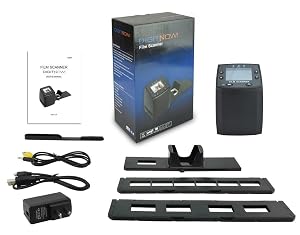
Package Content:
- Digital Scanner
- USB Cable
- Video cable
- Negatives (Film) Holder
- Positives (Slide) Holder
- Rapid slide feeder
- US DC5V Adapter
- Cleaning Brush
- User Manual


Reviews
There are no reviews yet.