
Description
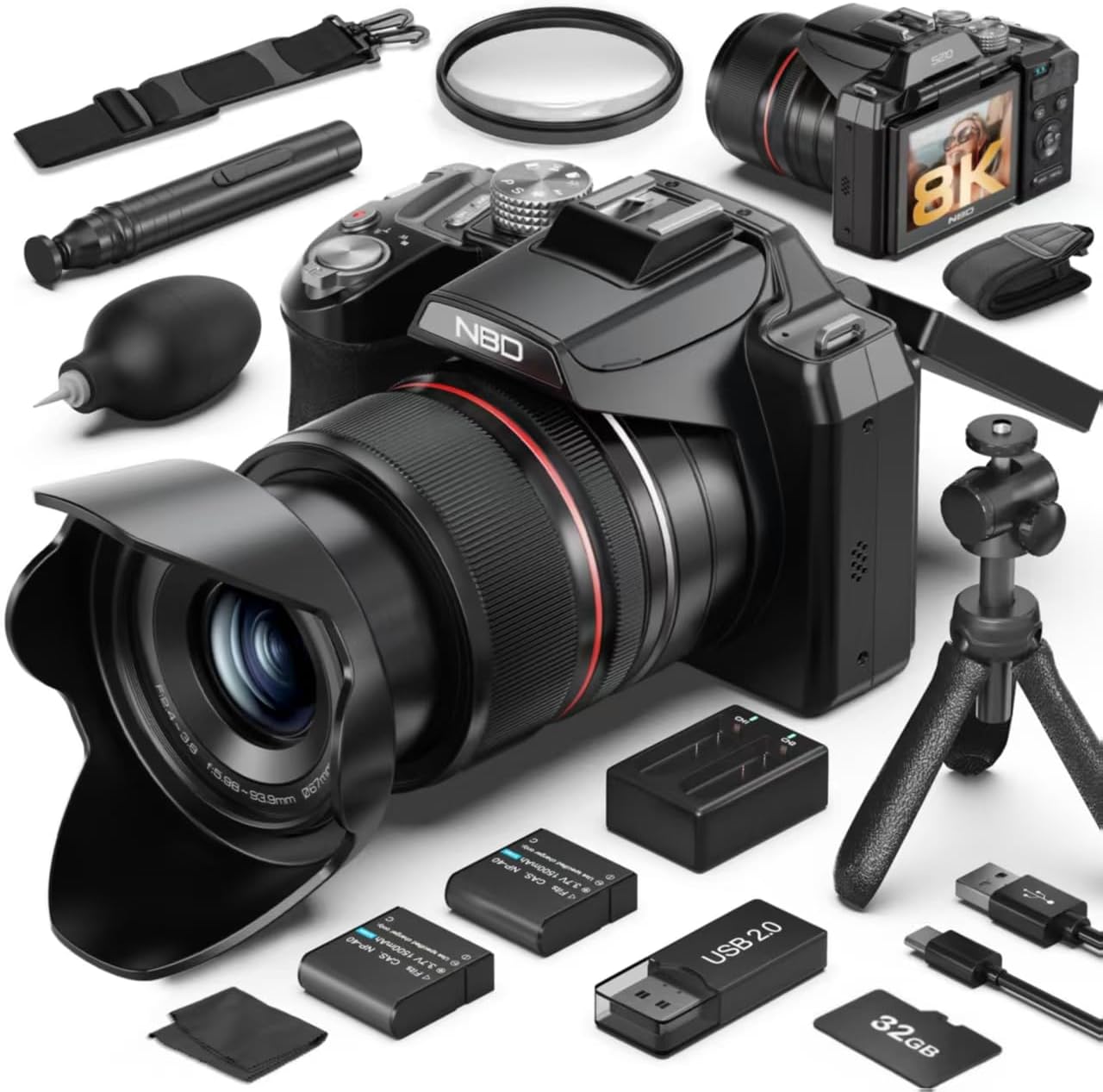
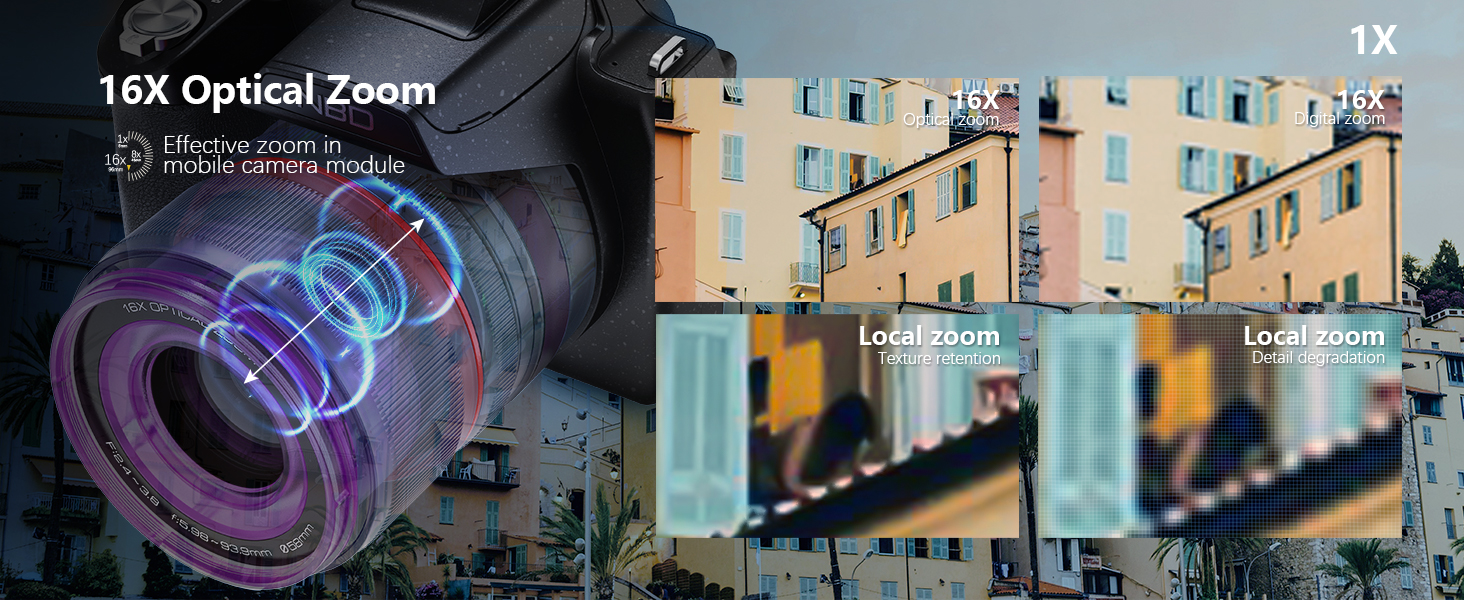
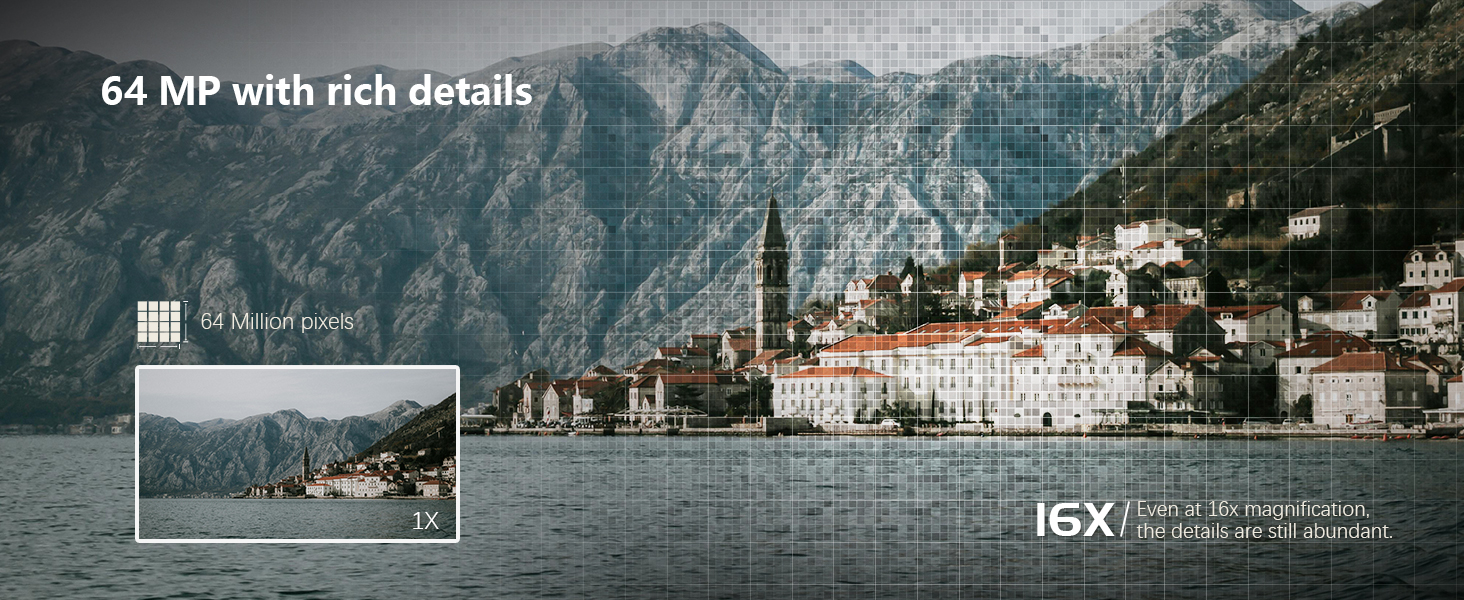
- 【See Farther with 48X Zoom, Moon Mode & 64MP Clarity】 Capture stunning details—from your child performing on stage to the surface of the moon. The upgraded 48X zoom (16X optical + 3X digital) with dedicated Moon Mode allows you to clearly photograph lunar craters and distant landscapes. Combined with a 64MP high-resolution sensor, your photos stay vivid, sharp, and full of life.
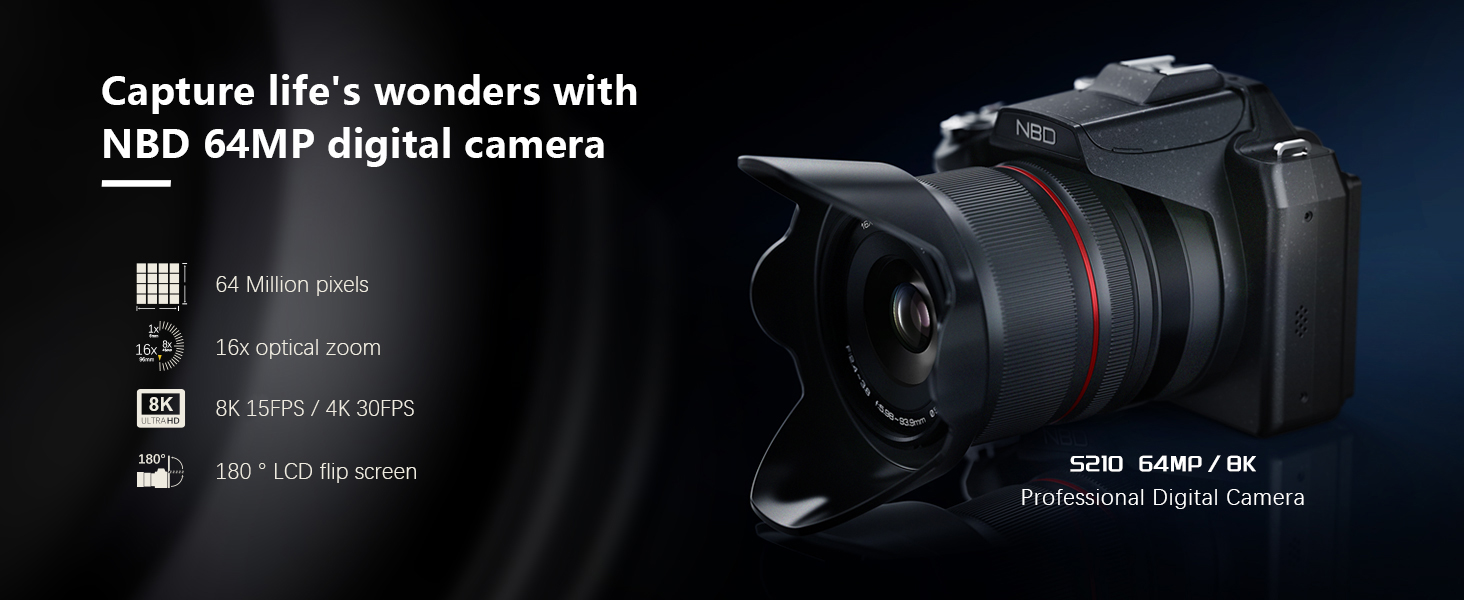
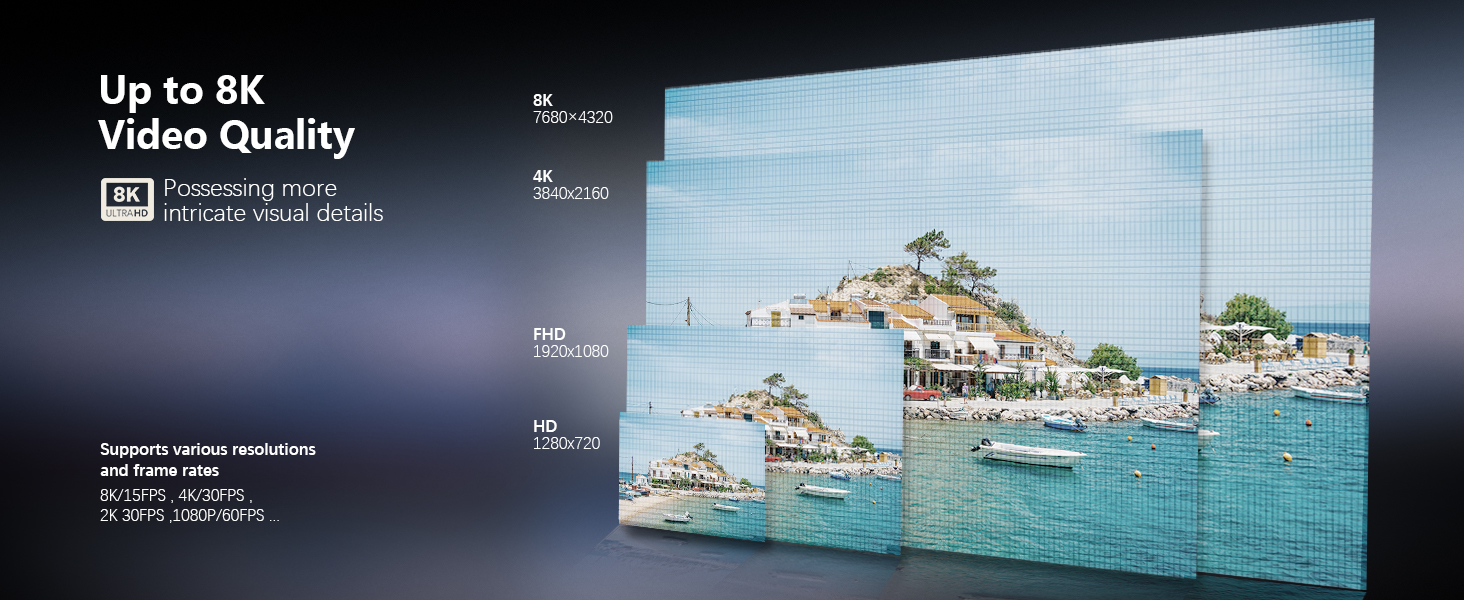
- 【8K UHD Video & 180° Flip Screen for Perfect Vlogs】 Record breathtaking 8K UHD videos with realistic color and smooth motion. The 180° flip screen helps you easily frame yourself for YouTube vlogs, travel videos, or family moments. With advanced H.264/H.265 encoding, your footage is crisp, easy to edit, and ready to share—ideal for creators who want pro-quality results without heavy gear.
| Compatible Mountings | Micro Four Thirds |
|---|---|
| Sensor Type | CMOS |
| File Format | MP4 |
| Photo Sensor Resolution | 64 mp |
| Photo Sensor Size | 1/2.8-inch |
| Form Factor | Compact |
| Effective Still Resolution | 64 mp |
| Special Feature | compact |
| Color | Black |
| Screen Size | 2.79 inches |
| Video Resolution | 8K |
| Viewfinder | NO |
| Flash Modes | Fill Flash |
| Camera Flash | Built-In |
| Specific Uses For Product | Videography |
| Compatible Devices | Smartphones, Tablets, Computers, TVs |
| Battery Weight | 27 g |
| Battery Cell Type | Lithium Ion |
| Battery Type | Lithium-Ion Polymer |
| Mount Type | Tripod |
| Warranty Type | Limited |
| Number of Batteries | 1 A batteries required. (included) |
| Enclosure Material | Plastic |
| Connectivity Technology | Micro HDMI |
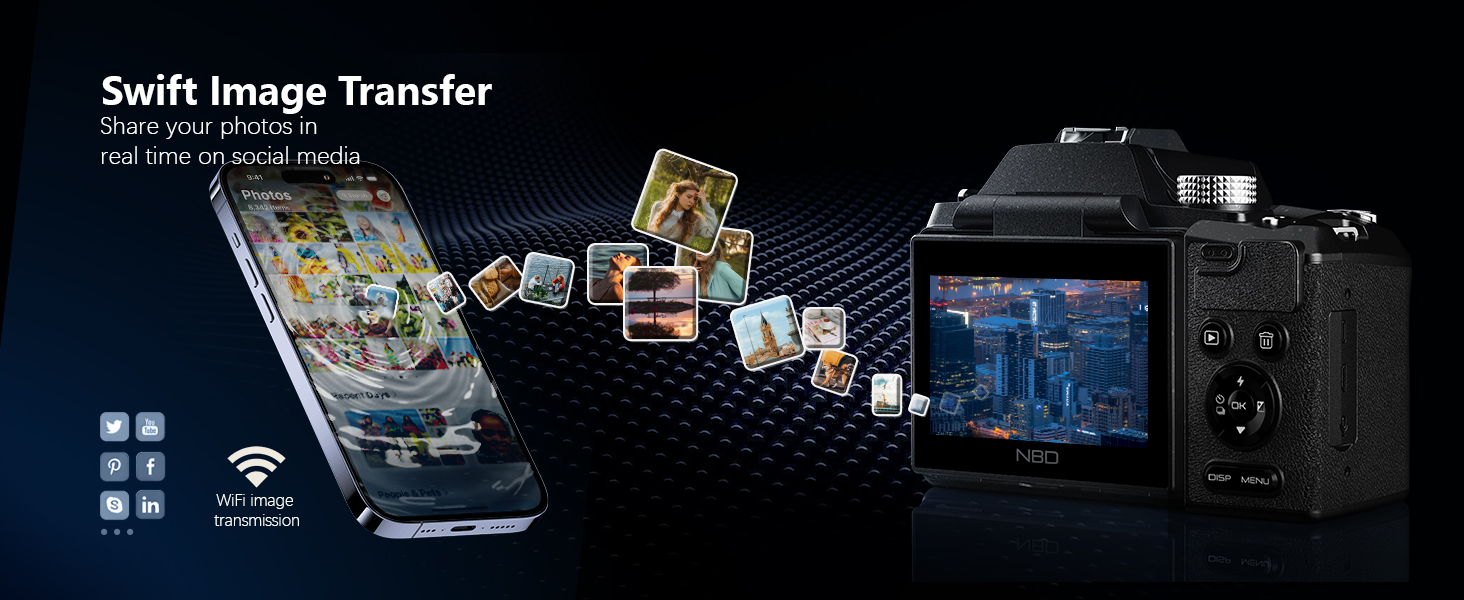
| Wireless Technology | Wi-Fi |
| Total Video Out Ports | 1 |
| Image Capture Type | Stills & Video |
| Memory Storage Capacity | 32 GB |
| Auto Focus Technology | Hybrid |
| Focus Features | Active |
| Focus Type | Auto Focus |
| Total Still Resolution | 64 mp |
| Optical Zoom | 16 x |
| Lens Type | Macro |
| Zoom | Optical Zoom |
| Camera Lens | 16x optical zoom lens with 3x digital zoom, featuring macro capabilities and a dedicated Moon Mode for capturing distant subjects like lunar craters. |
| Digital Zoom | 3 x |
| White Balance Settings | Auto |
| Model Name | QCY-US-S210F-BB-N8-A-2608T |
| Built-In Media | Camera Body & Accessories |
| External-Memory Size | 32 GB |
| Model Number | QCY-US-S210F-BB-N8-A-2608T |
| Unit Count | 1 Count |
| Manufacturer | Monitech |
| Manufacturer Part Number | QCY-US-S210F-BB-N8-A-2608T |
| Warranty Description | 1 years |
| Display Type | LCD |
| Display Fixture Type | Articulating |
| Display Maximum Resolution | 480*640 |
| Display Resolution Maximum | 64 mp |
| Photo Sensor | CMOS |
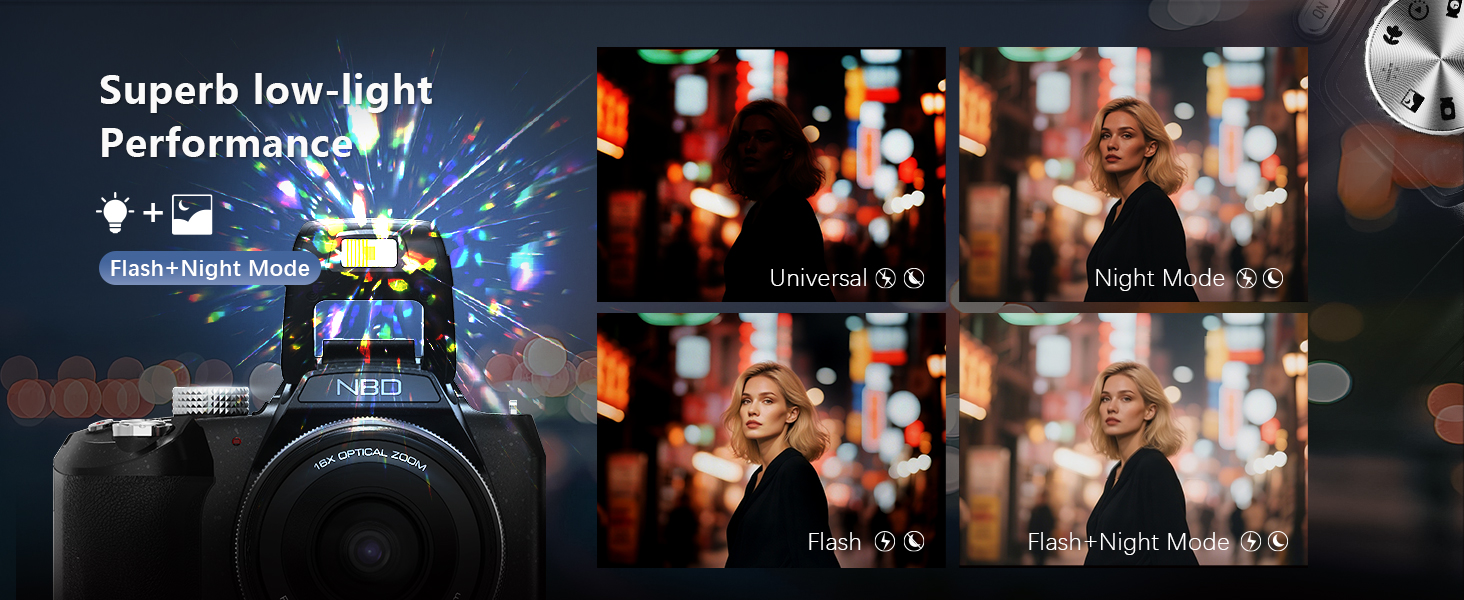
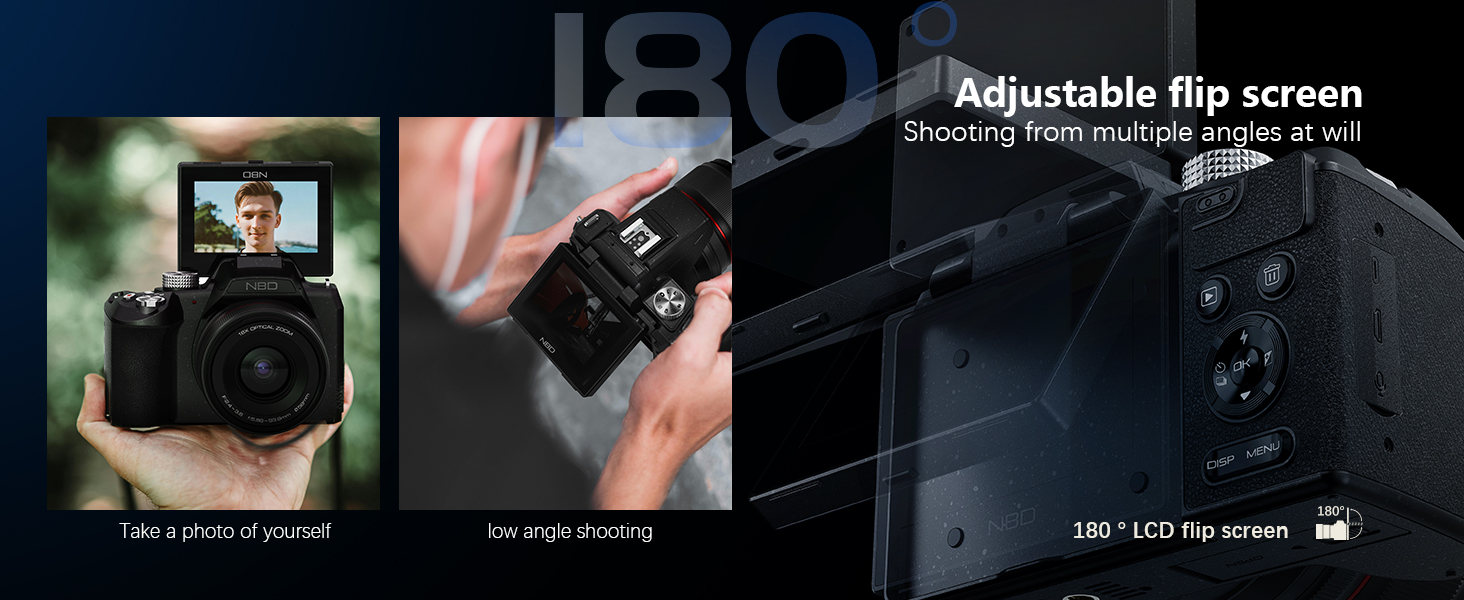
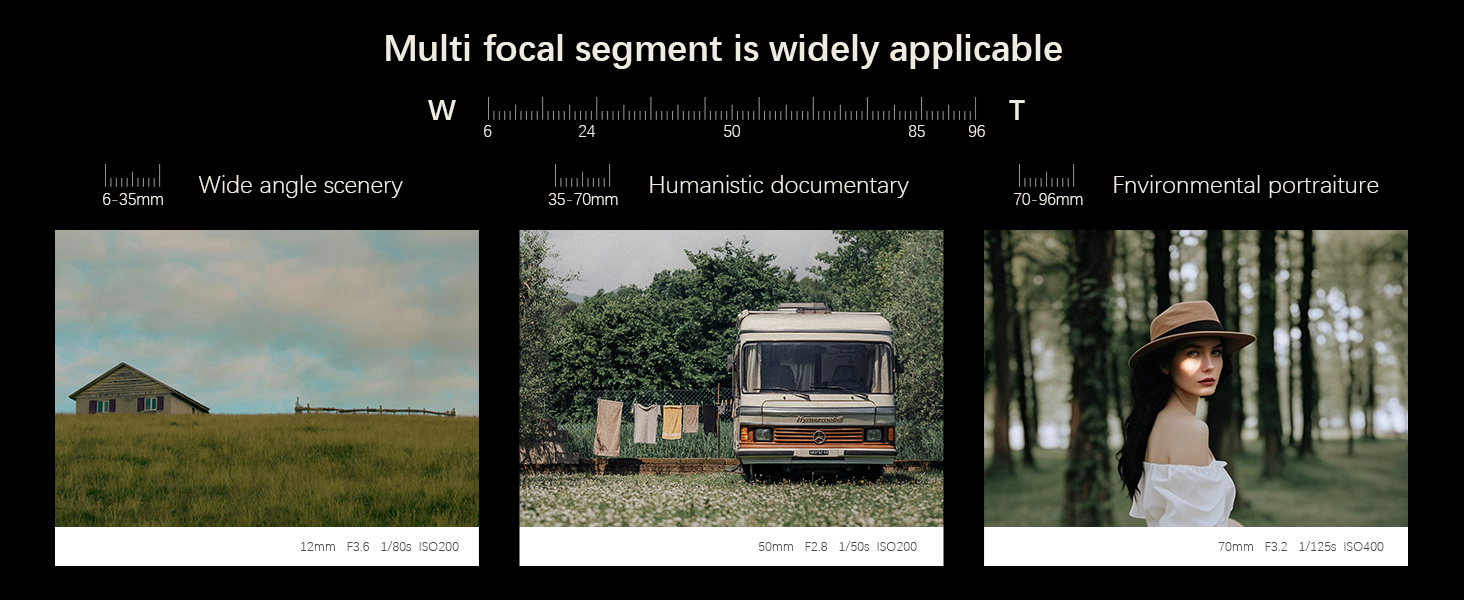
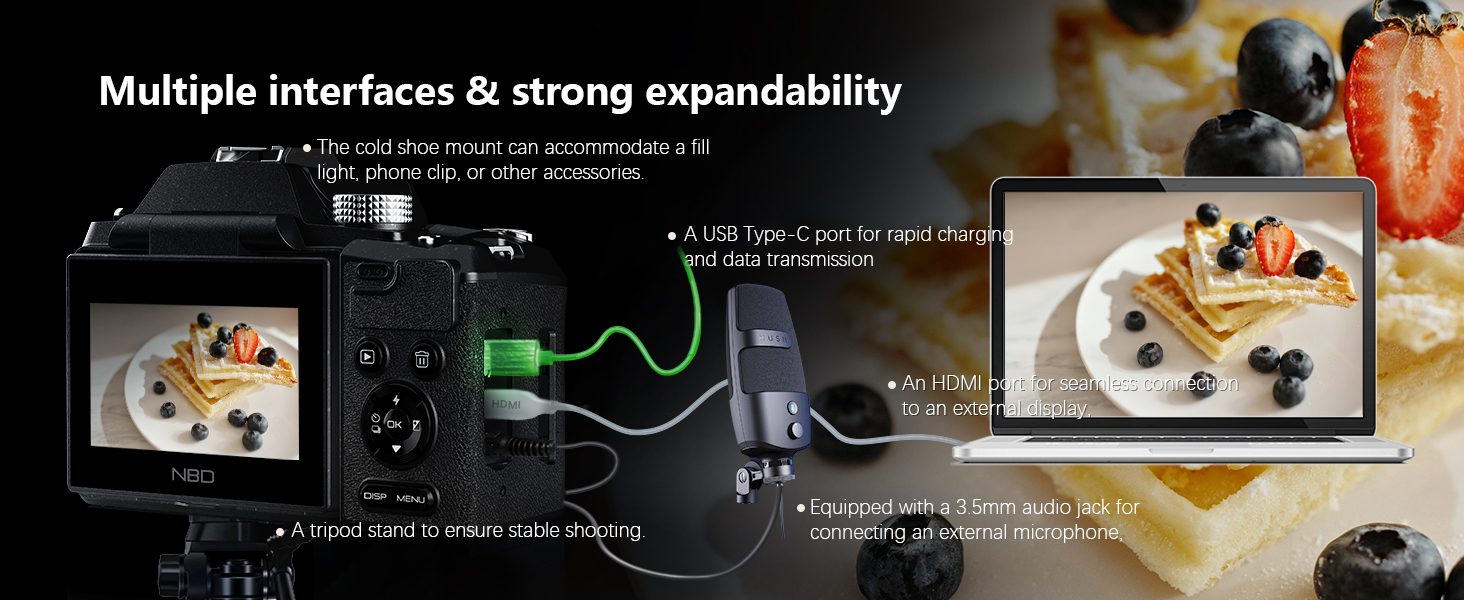
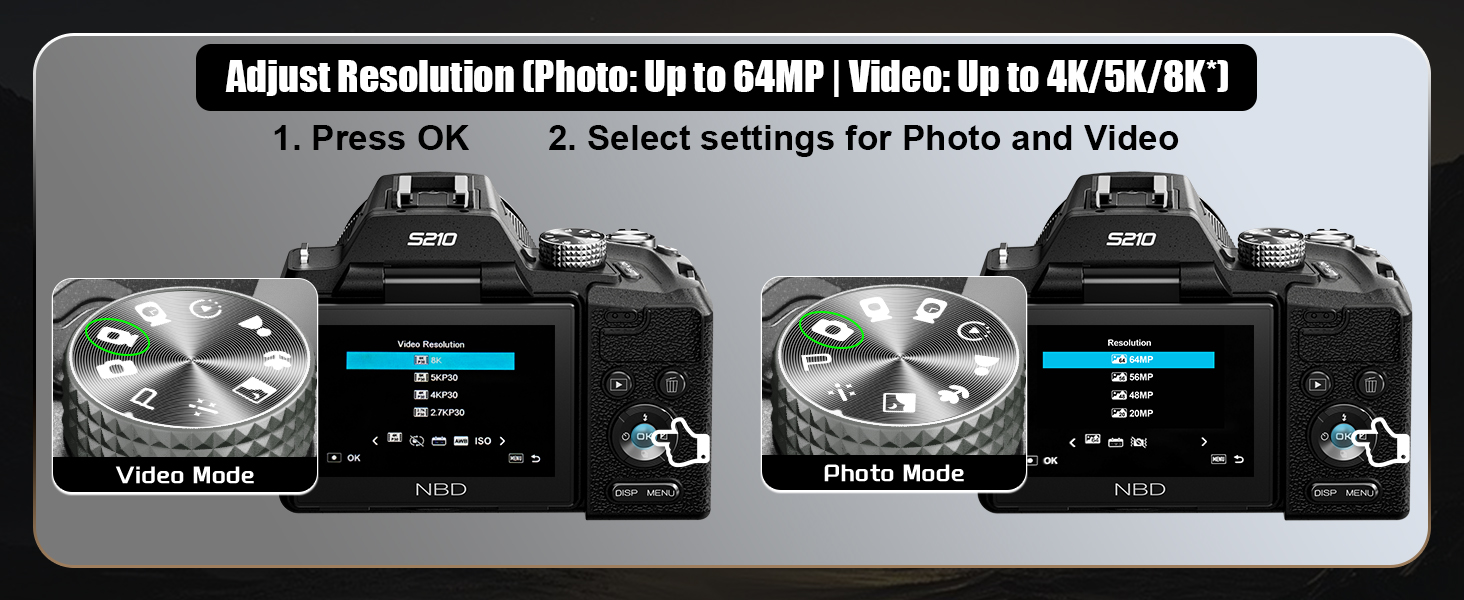
-
How do I manually enable the 8K video mode for the first time using the camera?
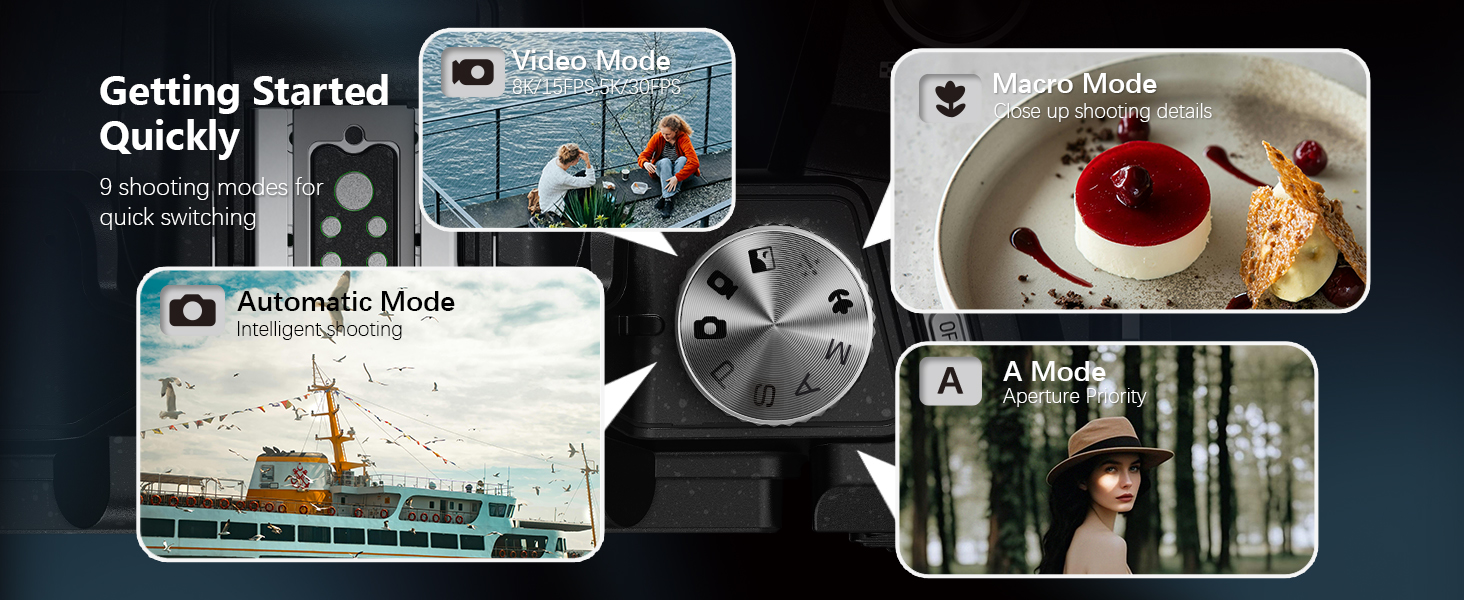
Switch to 8K in 2 steps: 1. Rotate the top mode dial to “Video Mode” ; 2. Press the side “OK” button, select “video resolution” in the pop-up menu, and switch directly to 8K/15FPS to start recording.
-
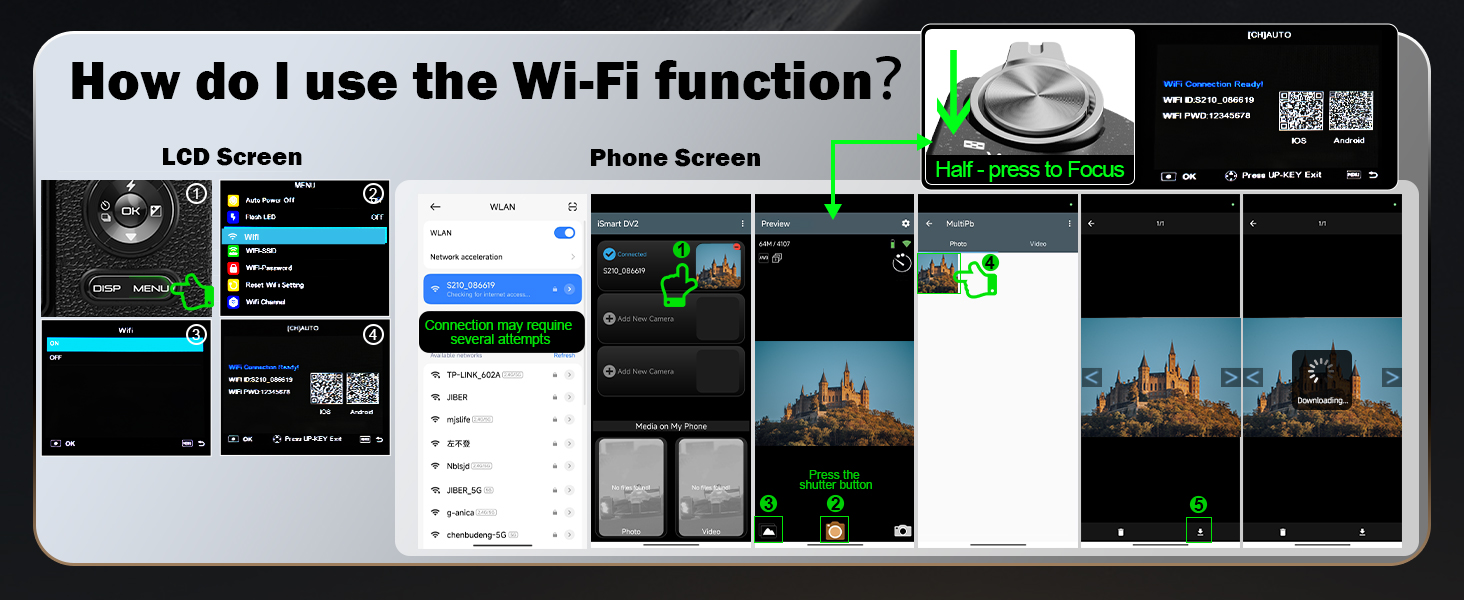
How do I use the Wi-Fi function?
1. Press the “MENU” button, open Settings, find “WIFI” and enable it; 2. Scan the code on the pop-up page to download the dedicated APP; 3. Open the APP and connect to the corresponding “WIFI name” as prompted to use the WIFI function.
-
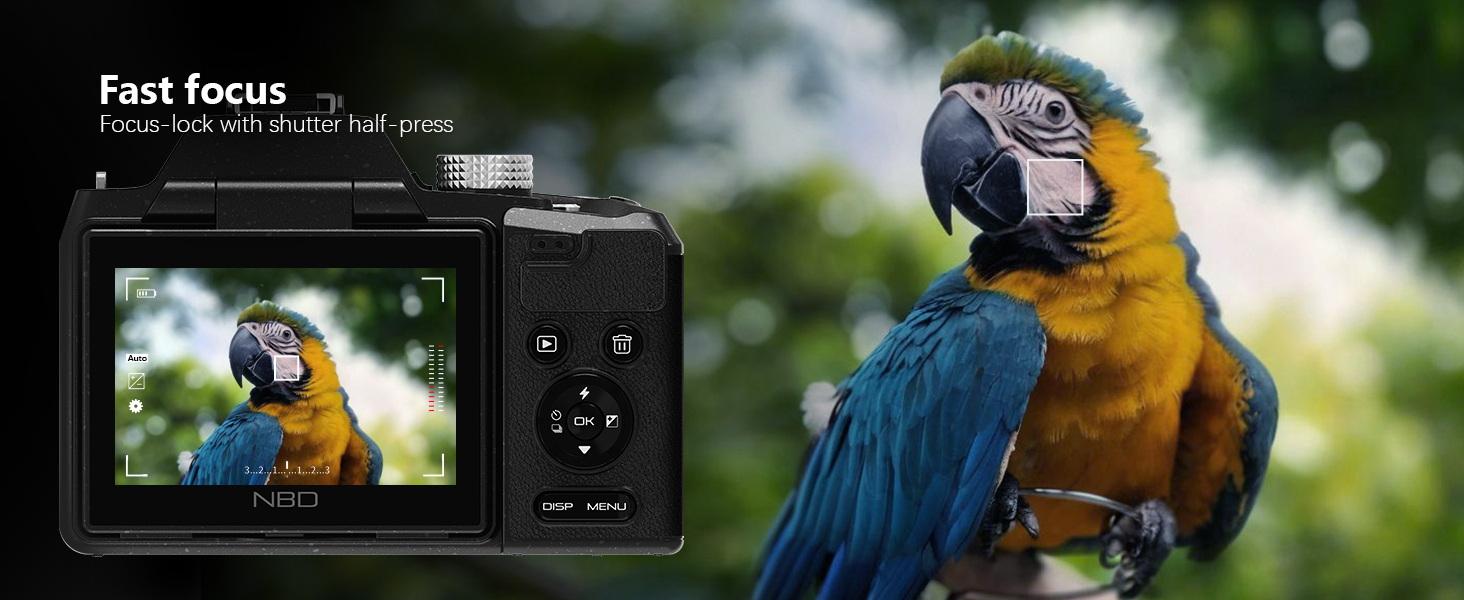
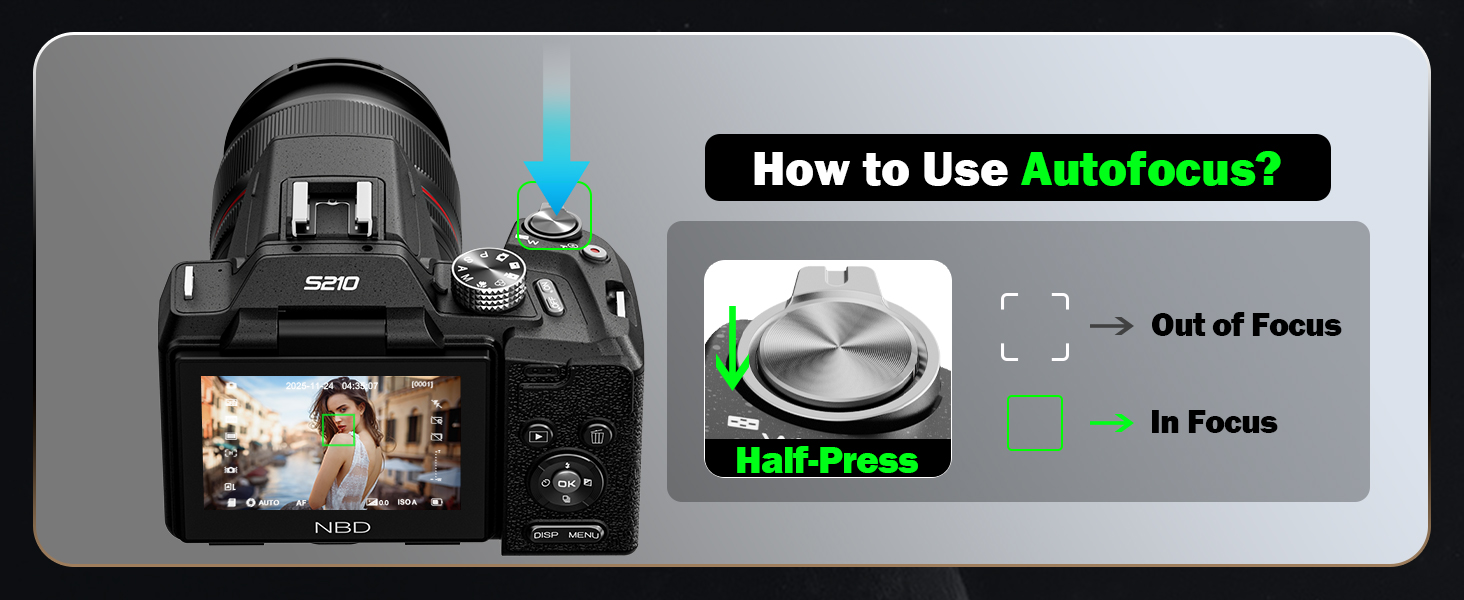
How to use autofocus while shooting?
Half-press the shutter button on the top of the camera, and the camera will quickly autofocus.
-
How to quickly switch camera shooting modes?
Rotate the mode dial on the top of the camera to quickly switch between photo/video and other modes.
-
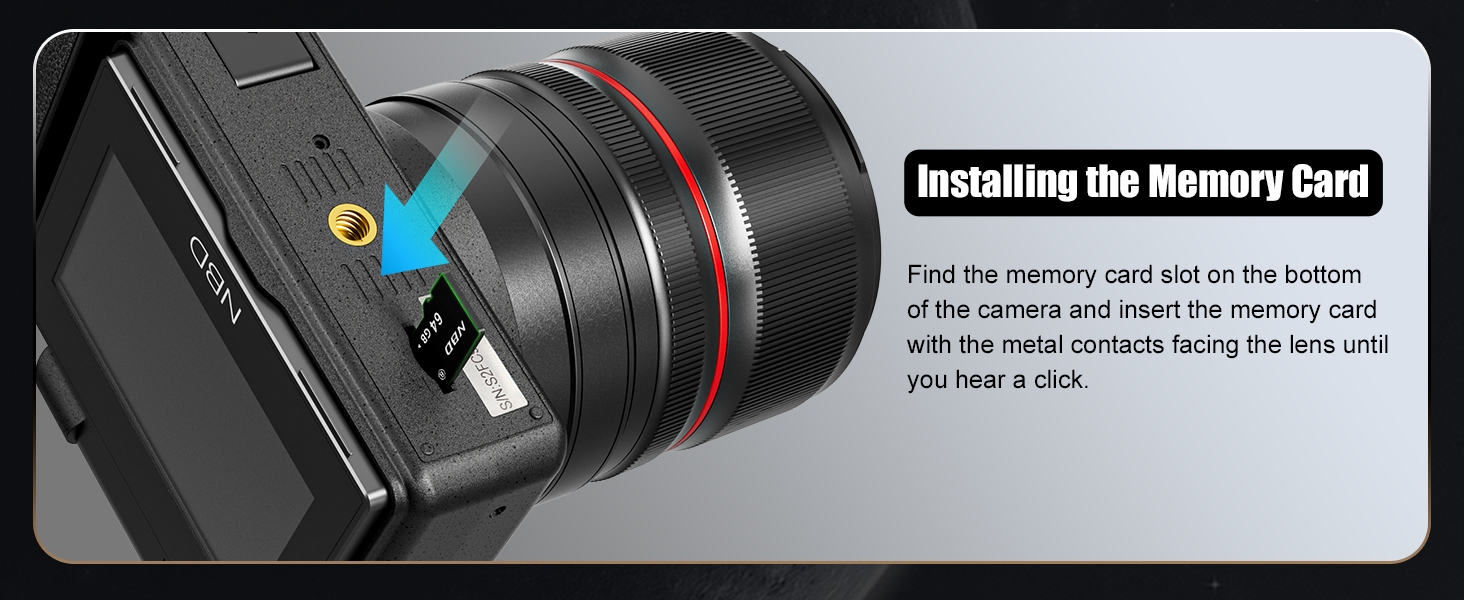
How do l install the Memory Card?
Locate the memory card slot at the bottom of the camera, insert the included TF card (or your own), and a click sound indicates successful installation.


Reviews
There are no reviews yet.