
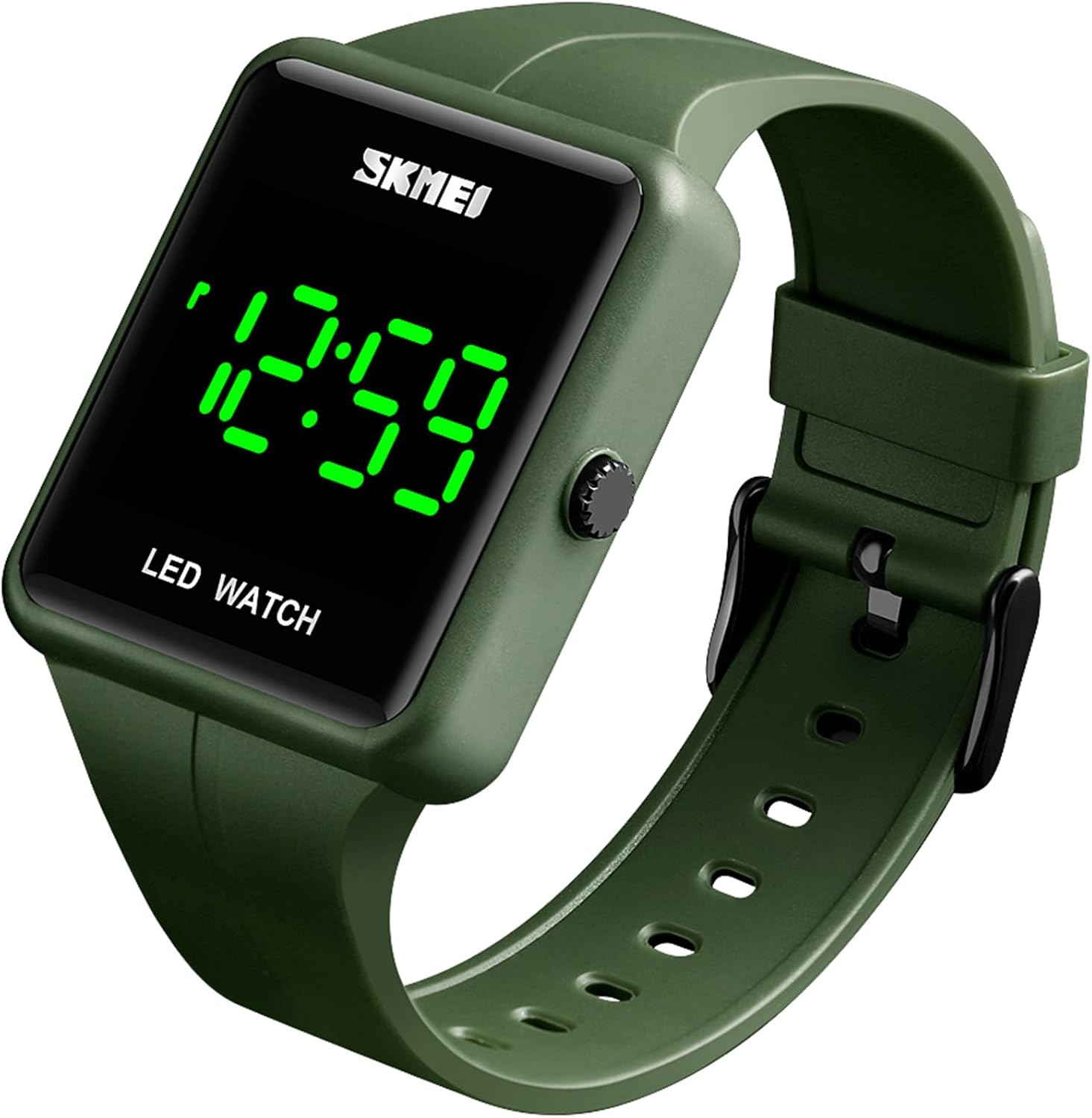
Description
| UPC | 719889375047 |
|---|---|
| Bands | 1 |
| Theme | Sports |
| Crystal | Hardlex Crystal |
| Display | Digital |
| Pattern | Sport |
| Character | Fashion |
| Band Color | Black |
| Band Width | 20 millimeters |
| Clasp Type | Tang Buckle |
| Dial Color | Black |
| Face Style | Modern |
| Model Name | 1541 |
| Sport Type | Climbing, Running |
| Strap Type | Bracelet |
| Style Name | Sport Casual |
| Unit Count | 1 Count |
| Band Length | 20.6 centimeters |
| Bezel Color | Black |
| Item Weight | 44 g |
| Closure Type | Buckle |
| Manufacturer | GOSASA |
| Model Number | 1541 |
| Power Source | Battery Powered |
| Case Diameter | 50 millimeters |
| Series Number | 1541 |
| Case Thickness | 11 millimeters |
| Band Material Type | Silicone |
| Case Material Type | Resin |
| Additional Features | Luminous |
| Included Components | Battery |
| Watch Movement Type | Quartz |
| Age Range Description | Kid,Youth,Adult |
| Embellishment Feature | Crystal |
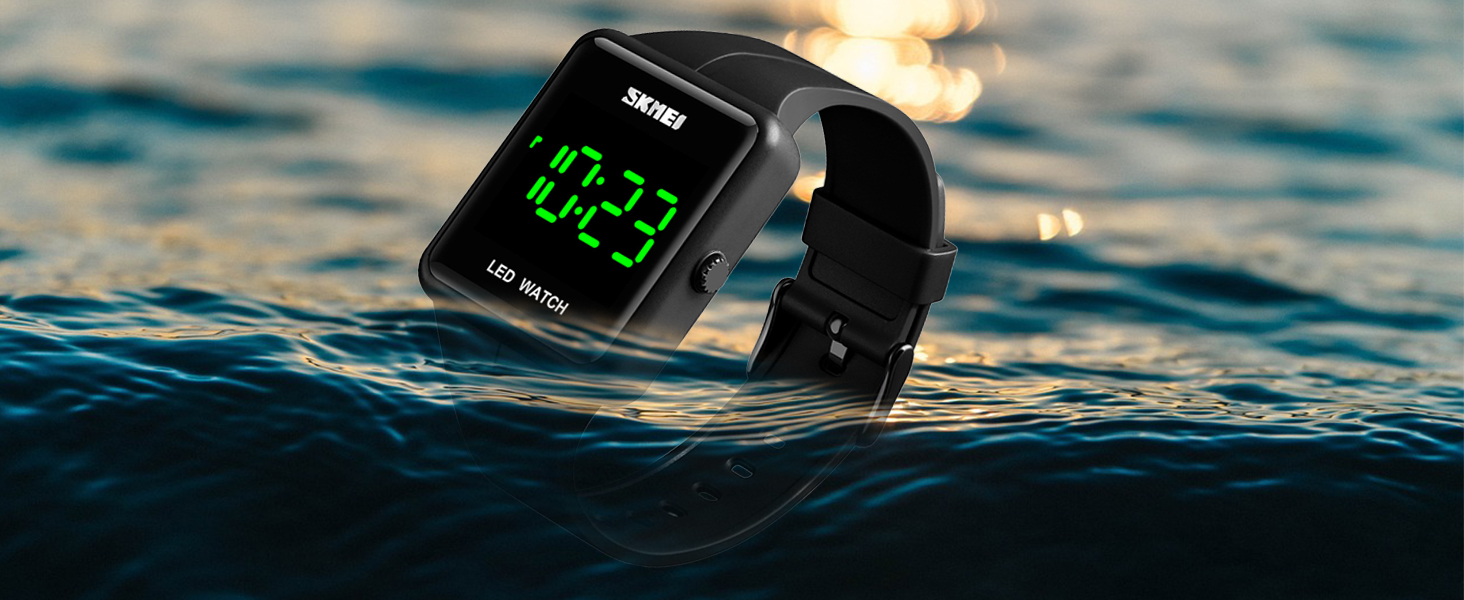
| Water Resistance Depth | 30 meters |
| Water Resistance Level | Water Resistant |
| Manufacturer Part Number | K1541 |
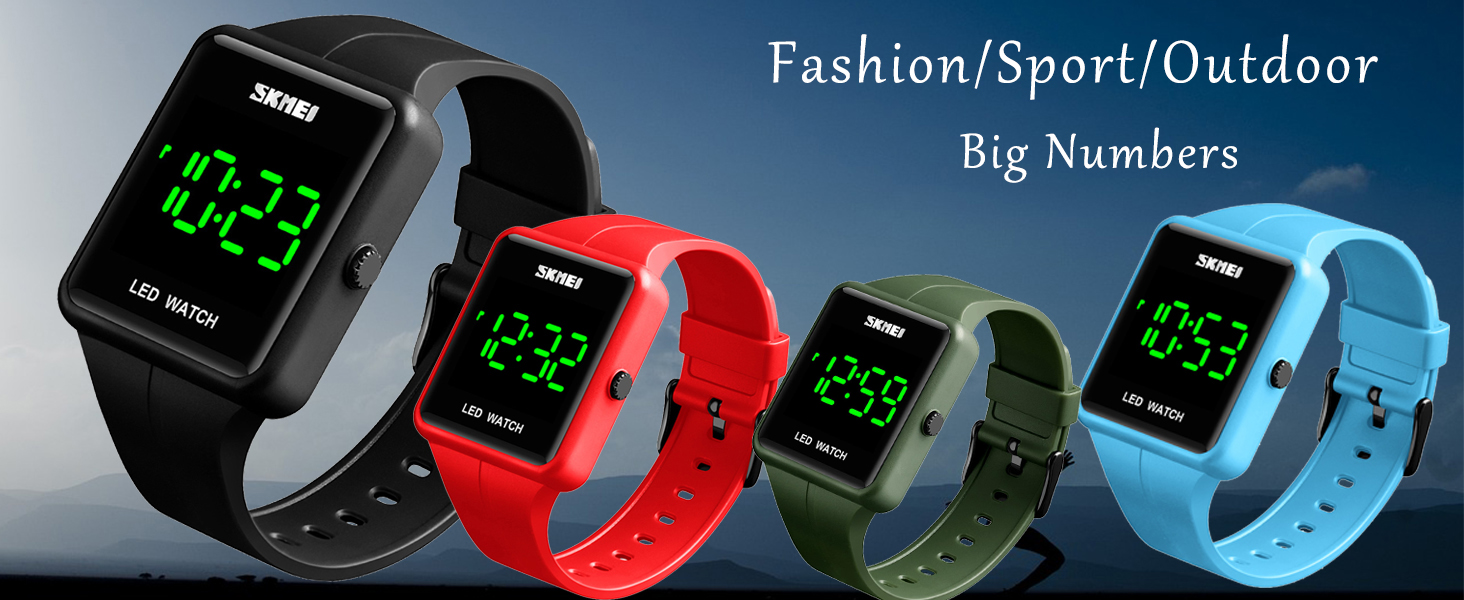
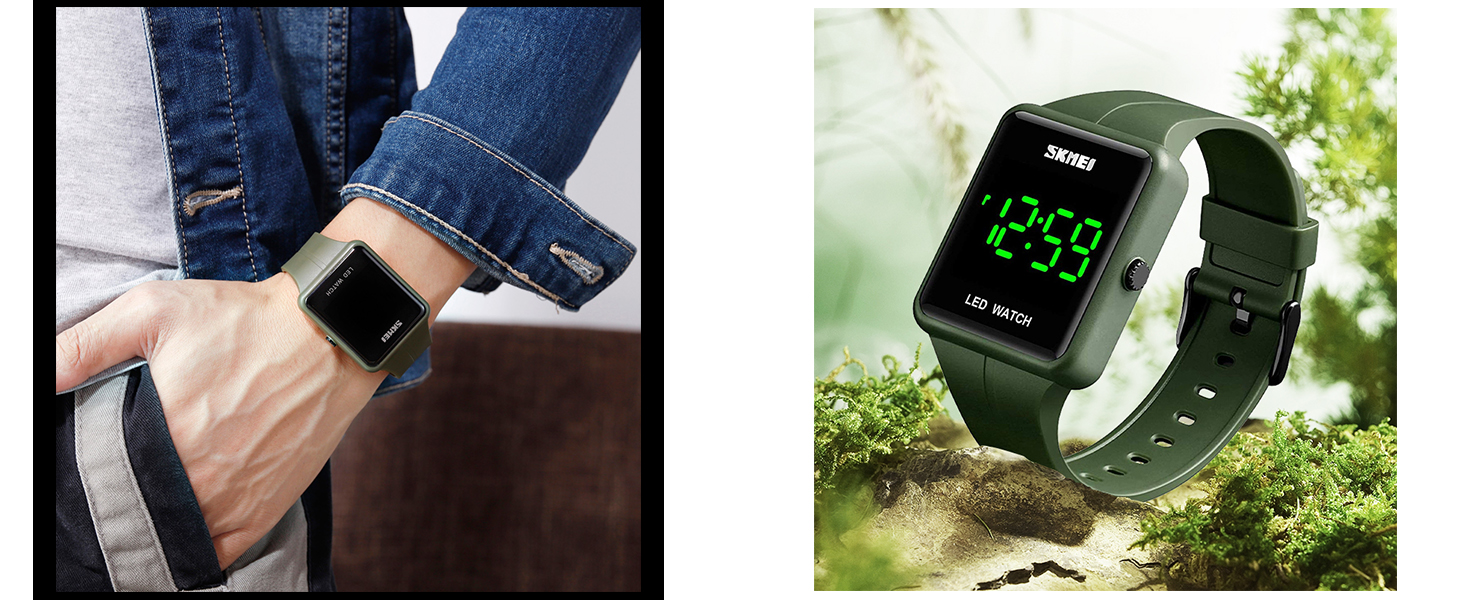
Multi-functional Digital Watch/Easy to set/Comfortable for daily wear
Water resistant up to 3ATM/99FT/Waterproof Digital Sport Watch
Product Specification
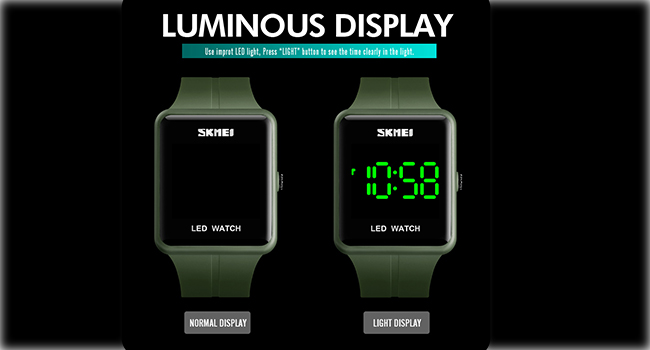
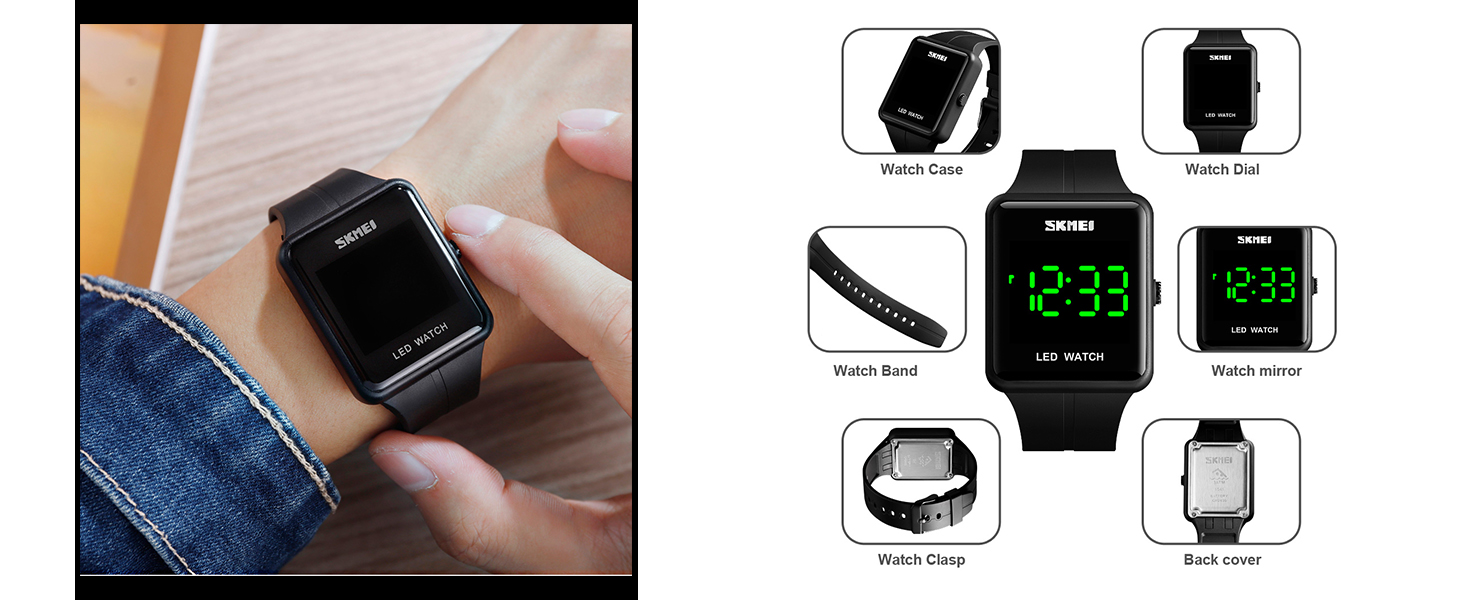
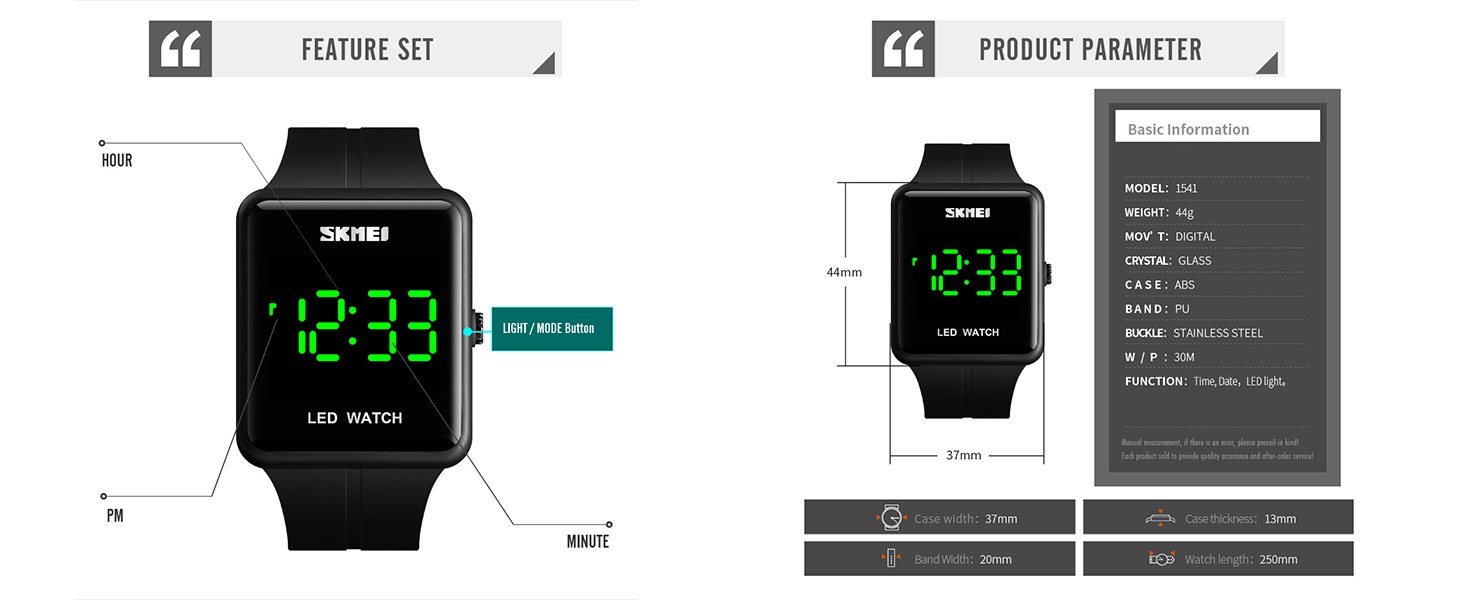
Press Light Button To See Time At Normal Display
- Functions–Time,Date,3ATM Waterproof,LED light
- mported LED light,Press Mode/Light button to read time clearly at dark environment
- Big Numbers,easy to read
- Easy to set mode
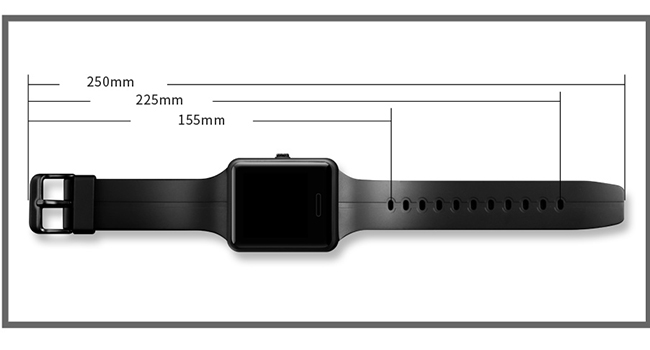
Adjustable Silicone Strap
- Total length–250mm/9.84inches
- Band Width–20mm/0.78inch
- Case thickness–13mm/0.51inch
- Case width–37mm/1.46inches
Previous page
Next page
Press Light Button to See Time
How to Set This Digital Watch | Watch the Video
- 1、Press and hold the button on the side of the watch for about 3–5 seconds until the hour digits start flashing
- 2、Press the button repeatedly to adjust the hours
- 3、Press and hold the button again until the minutes start blinking
- 4、Press the button repeatedly to adjust the minutes. — -5. Keep pressing and holding until the date (month/day) appears
- 6. Press the button repeatedly to adjust the month. —7. Wait a few seconds, and the watch will save the settings automatically
The video showcases the product in use.The video guides you through product setup.The video shows the product being unpacked.
large face led digital waterproof women men watch
Merchant Video
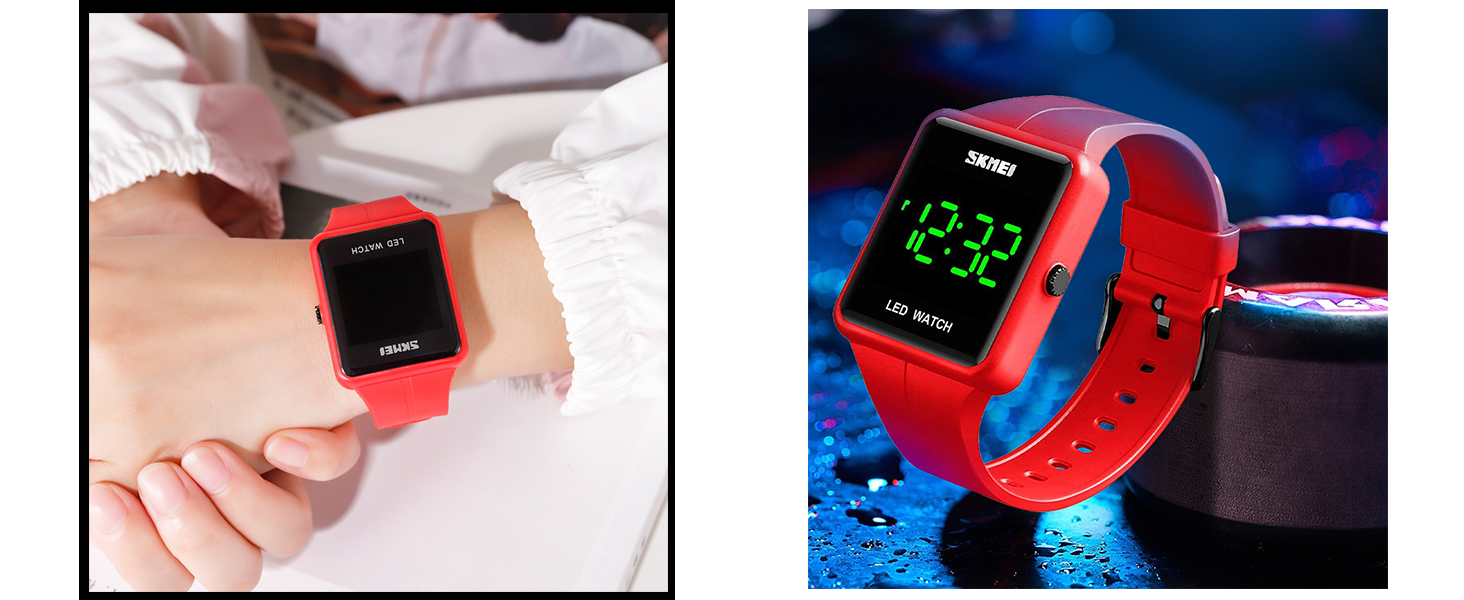
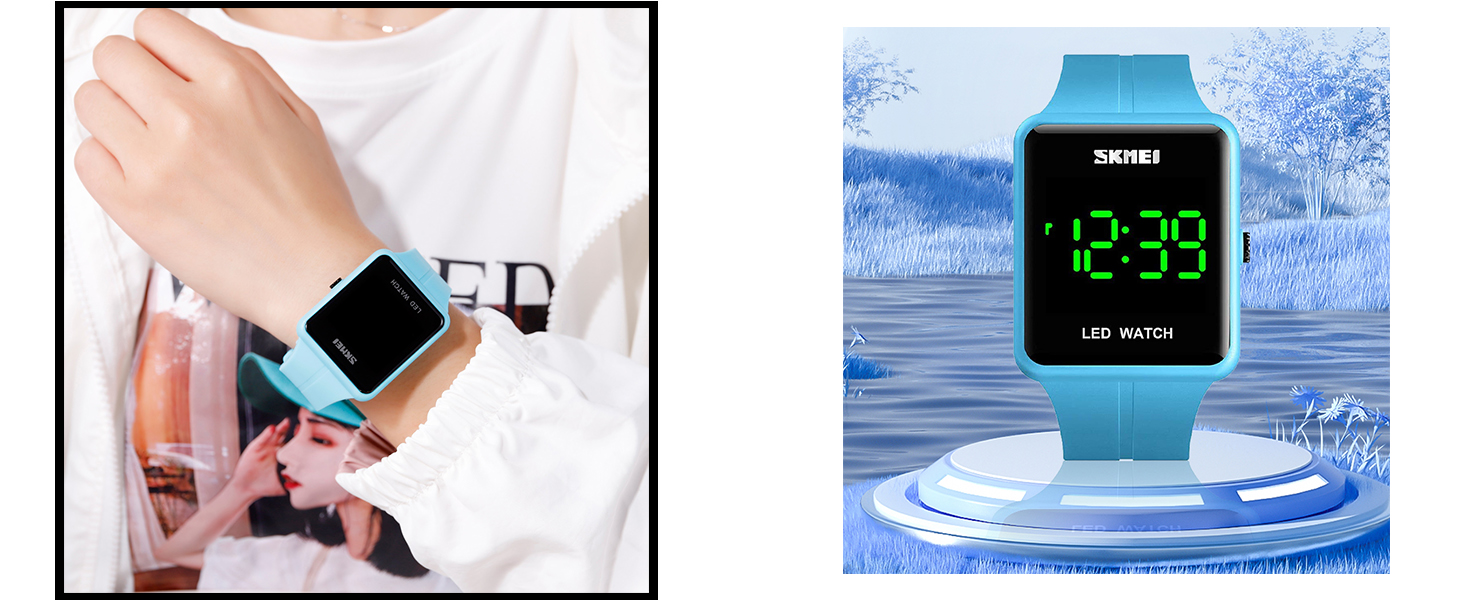
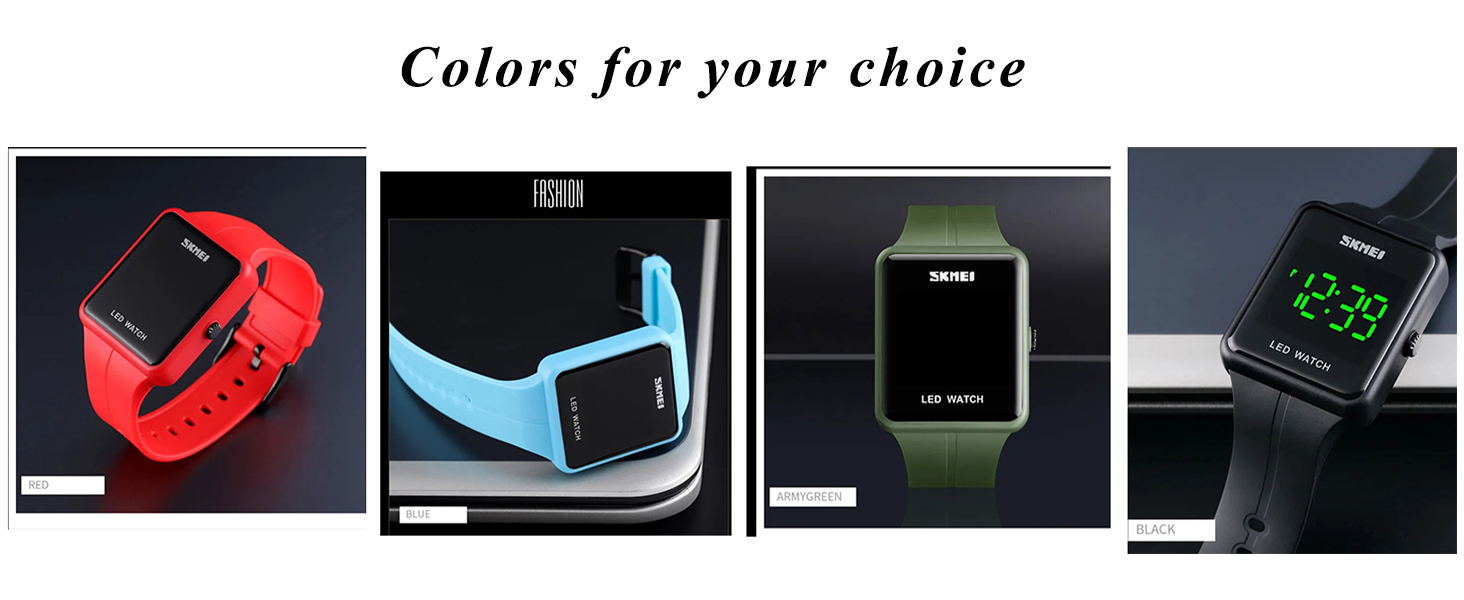
Black/Blue/Red/ArmyGreen


Reviews
There are no reviews yet.