
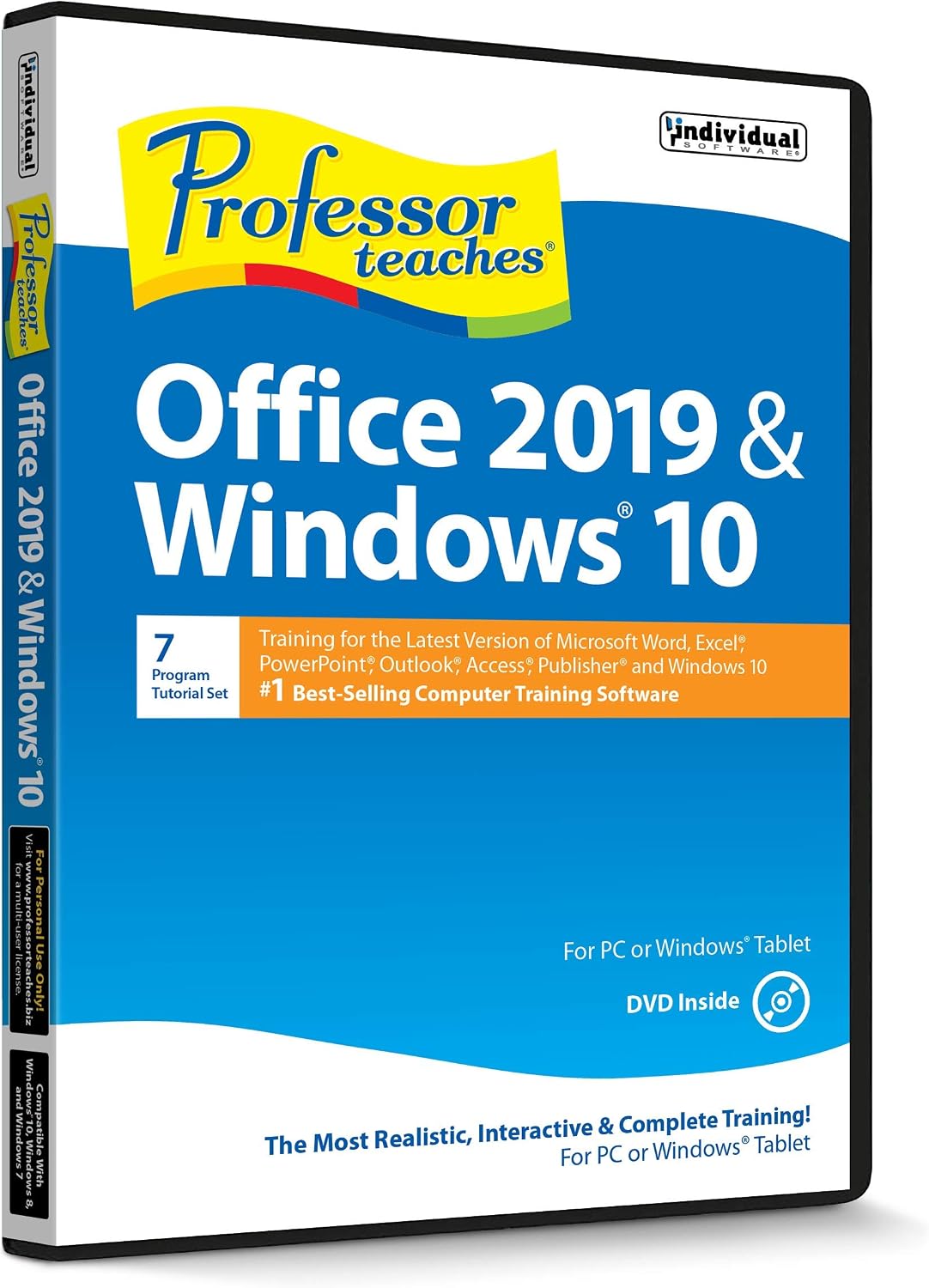
Description
- Works on Windows 11, 10, & 8
- Learn Office 2019 with Hands-On, Interactive Training!
- Powerful New Features in Office 2019 – 7 Separate Courses! Over 400 Lessons!
- Learn to navigate Windows 10 in this comprehensive training tutorial that includes over 60 lessons!
- Professor Teaches is a registered trademark & box images and screenshots are copyrights of Individual Software Inc.
- Product is Delivered in a Closed Factory Fresh Box and Includes the Current Version & Unused Activation Code
- Free Technical Support! If you need assistance installing or activating the product, or with any other product-related issue, call Customer Care: 800-822-3522 x136 or [email protected]
Learn the New Office with Hands-On, Interactive Training!

The Fastest Way to Learn Microsoft Office!
Professor Teaches, the #1 best-selling brand of computer training, provides realistic, interactive, and complete training for Office 2019. Build your skills, from beginning to advanced topics, with interactive tutorials organized for fast and easy learning. Unlock the power of Office to improve your productivity at home, school, or work.
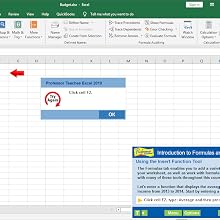
Powerful New Features in Office 2019
Learn the new Office 2019 applications including: Word, Excel, PowerPoint, Outlook, Access, and Publisher. Create great-looking documents, spreadsheets, and presentations. Take advantage of powerful new tools for collecting, analyzing, and sharing information 7 Separate Courses! Over 400 Lessons!

Windows 10 Training
Windows 10 has many features that allow you to access and share your information in new ways. Learn to navigate Windows 10 in this comprehensive training tutorial that includes over 60 lessons! Using the Start Menu Accessing Action Center Notifications Using Universal Apps Minimizing, Maximizing, and Closing Apps Using the Personal Assistant Cortana Navigating Edge Using Virtual Desktops Organizing Your Workspace with Multiple Desktops Understanding OneDrive, the Cloud, and More!
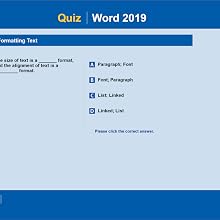
Realistic, Interactive & Complete Training!
Professor Teaches provides more than just videos. You’ll interact to perform the correct action during each exercise for better learning and retention. Realistic simulations of Office 2019 provide an accurate learning environment, so your transition is fast and easy. Hundreds of learning topics and beginner through advanced subjects are included. Checkmarks for Completed Topics, Glossary and Index, Professor Answers for Instant Training. Learn from each of the twelve courses or just the ones you need!


Reviews
There are no reviews yet.