
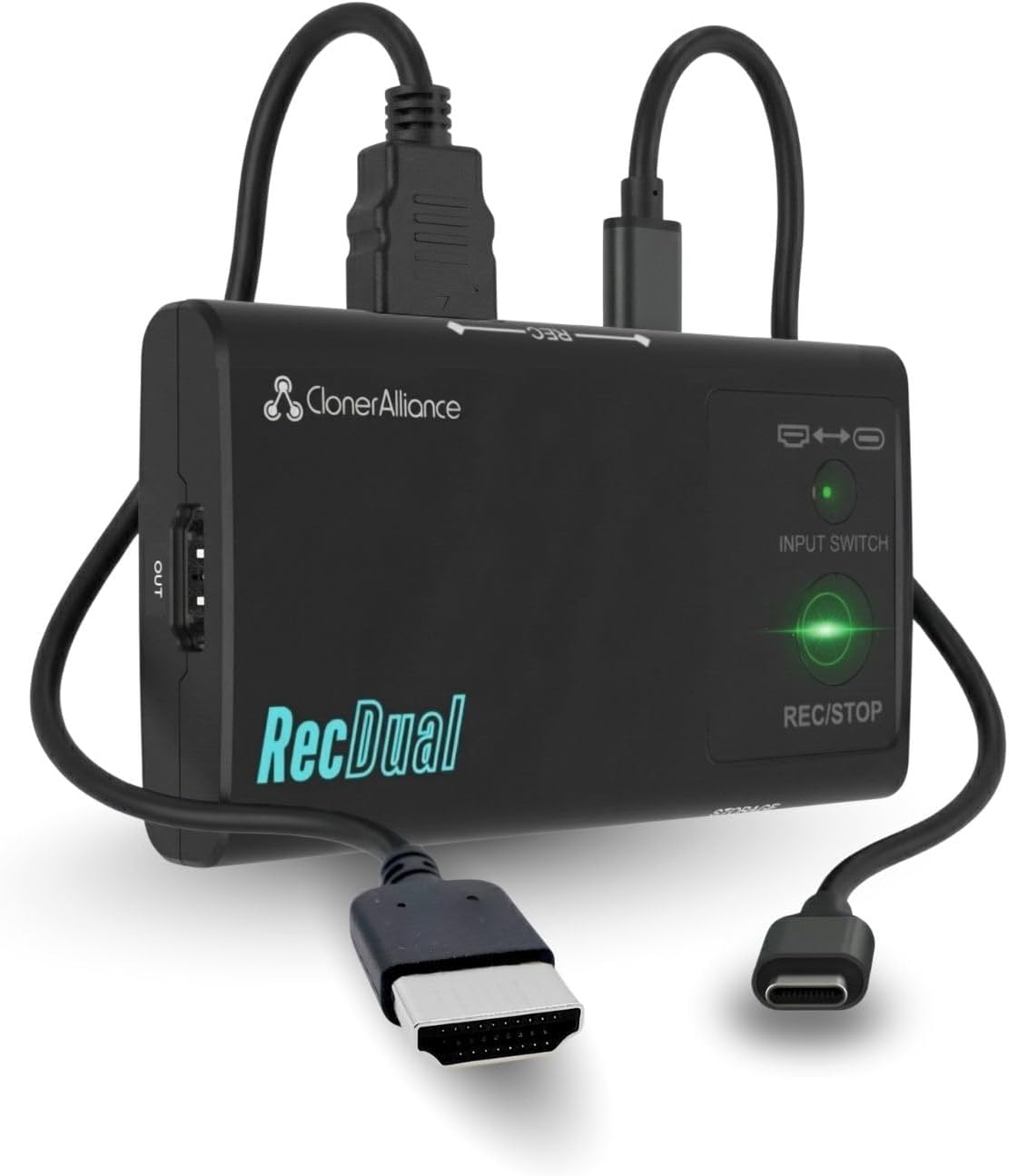
Description
- What can it do? – Record HDMI IN or USB Type-C DP IN video standalone up to 1080p@60fps, while enjoying 4K@60fps HDMI passthrough on your TV/monitor. Save MP4 files directly to a MicroSD (TF) card as a compact DVR-style recorder for media players, set-top boxes, mobiles, game consoles, cameras, and laptops.
- Why do I need it? – Capture long sessions while your phone, laptop, or console stays responsive and storage stays free. It works as a standalone DVR, saving video directly to a MicroSD (TF) card and supporting 4K@60fps HDMI passthrough for full-screen viewing. Ideal for training, presentations, medical/education demos, monitoring playback, and archiving HDMI or USB Type-C sources.
- Why choose it over other similar products? – True PC-free, one-click recording with hardware encoding for dependable long-run capture. Loop recording maintains continuous operation by managing storage automatically. A silent, fanless build suits quiet rooms and professional setups. Plug-and-record workflow delivers quick setup and consistent results across HDMI and USB Type-C sources.
- Is my device compatible with it? – Works with HDMI output devices like media players, set-top boxes, cameras, game consoles, and PCs. USB Type-C DP Alt Mode devices are supported for DP IN recording (tested with modern Type-C phones and tablets, plus USB Type-C laptops). Output to any TV/monitor via HDMI OUT for passthrough viewing.
- What’s more? – Includes RecDual Link app: easy firmware upgrades, parameter settings (time, recording options, scheduled recording), and video playback/file management from your recordings. [The device does not support any content protected by HDCP. When connected to an HDCP (Content Protection) source, it will output an error message or nothing. This does not indicate a defect.]
| Hardware Interface | 3.5mm Audio, HDMI, MicroSD, USB 3.0 Type C |
|---|---|
| Video Capture Resolution | 1080p |
| Antenna Location | Footage Collection, Gaming Capture, Image Capture, Online Video Recording, Video Recording |
| Other Special Features of the Product | 4K@60FPS Passthrough, Dual Input, Loop Recording, Official App Included, Recording Scheduler |
| Platform | No Operating System |
| AV Output | MPEG-4 |
| Compatible Devices | Gaming Console, Personal Computer, Smartphone, Tablet |
| Item Weight | 2.4 ounces |
| Item Dimensions | 4.2 x 2.4 x 0.7 inches |
| Model Name | RecDual |
| Built-In Media | Charging Cable, DP in Cable, HDMI Cable, Installation Guide |
| Model Number | CA-1290 |
| Manufacturer | ClonerAlliance |
| Warranty Description | 2 Year Manufacturer |
| Recommended Uses For Product | Footage Collection, Gaming Capture, Image Capture, Online Video Recording, Video Recording |
| Special Feature | 4K@60FPS Passthrough, Dual Input, Loop Recording, Official App Included, Recording Scheduler |
RecDual Dongle: Pocket-Size Standalone Recorder for Everyday Capture
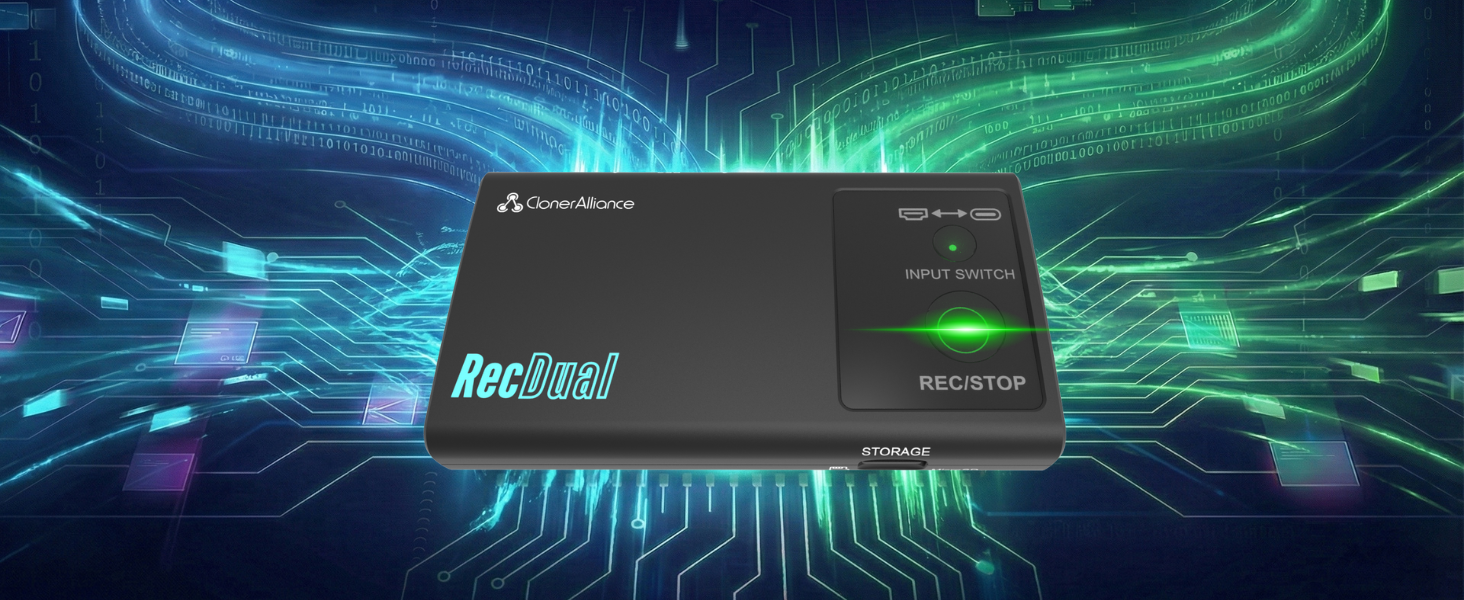
RecDual Dongle captures video from HDMI or USB-C DP sources directly to MicroSD card. No PC needed, no drivers required. Features 1080P@60fps recording, 4K@60 passthrough, loop recording, and 65W pass-through charging. Pocket-sized design for gaming, content creation, meetings, and more.
See How RecDual Dongle Records in One Click—Anywhere
One-Click MP4 Recording to MicroSD
Forget complicated capture cards and software setups. Connect your source, press REC, and let it run. 4K@60 passthrough keeps your display quality perfect while capturing 1080P@60fps footage. Loop recording ensures non-stop capturing even when storage is full.
-
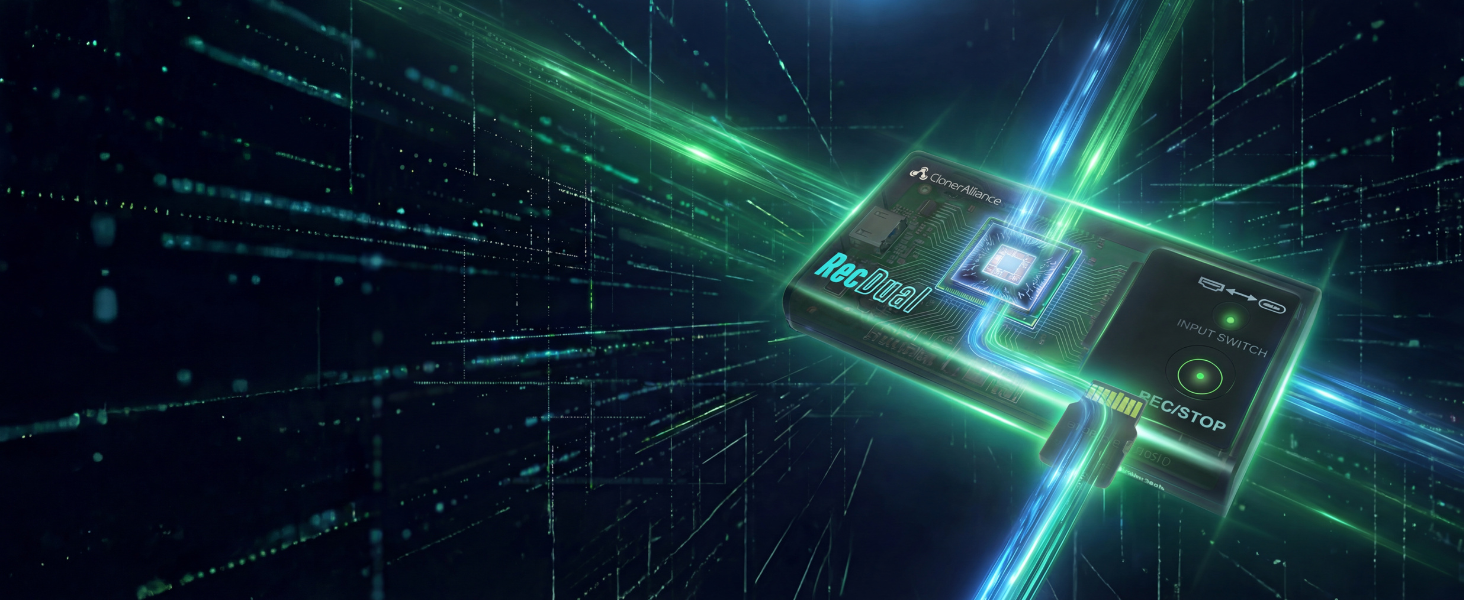
Hardware Encoding
Record Without Slowing Down Your Device
Standalone hardware encoding puts zero load on your device. Game and record with no lag or stutter.
-
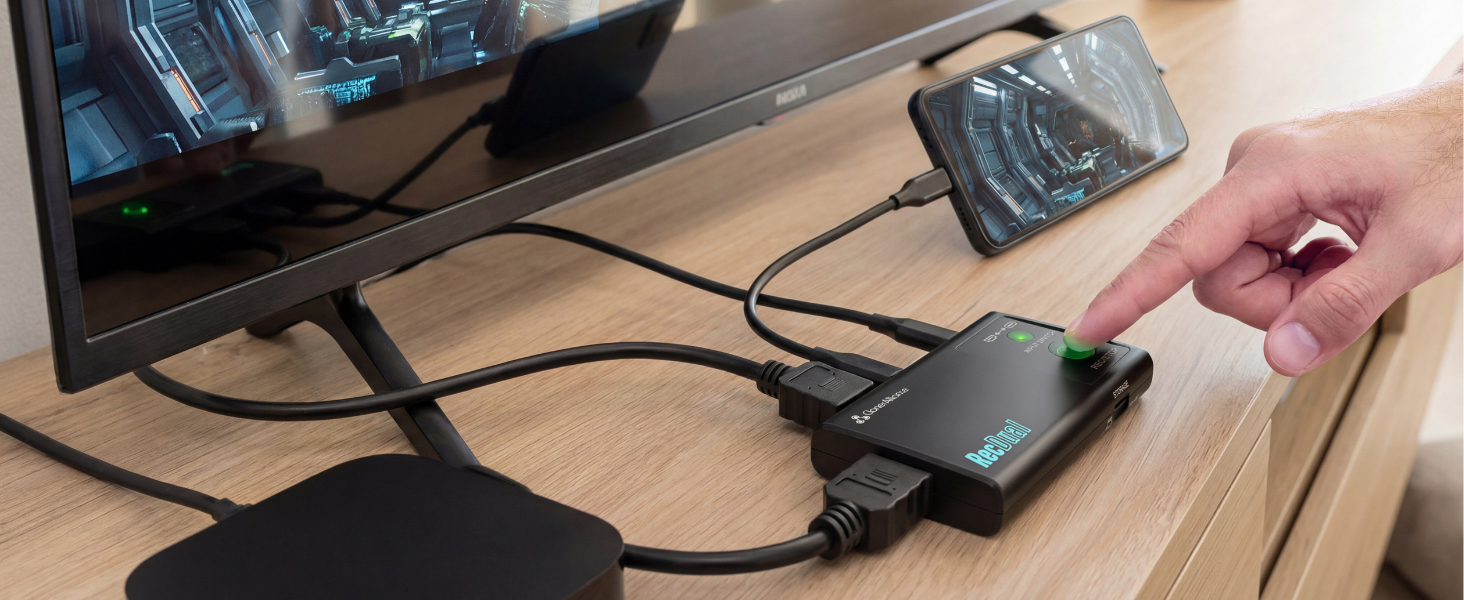
HDMI + USB-C DP
Two Inputs, Endless Possibilities
Switch between HDMI and USB-C DP with one button. Record consoles, phones, laptops, and cameras.
-
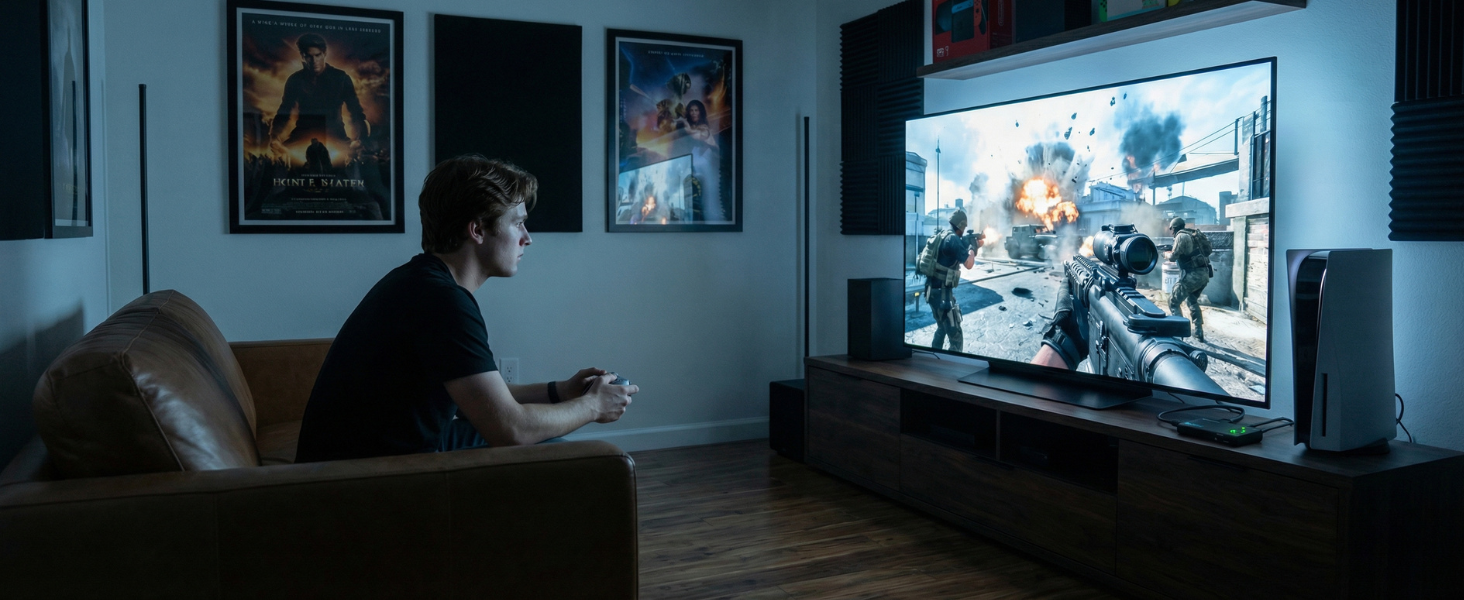
Play in 4K
Enjoy 4K Gaming While Recording 1080P
4K@60fps passthrough to your TV while capturing 1080P@60fps. No quality compromise on your display.
-
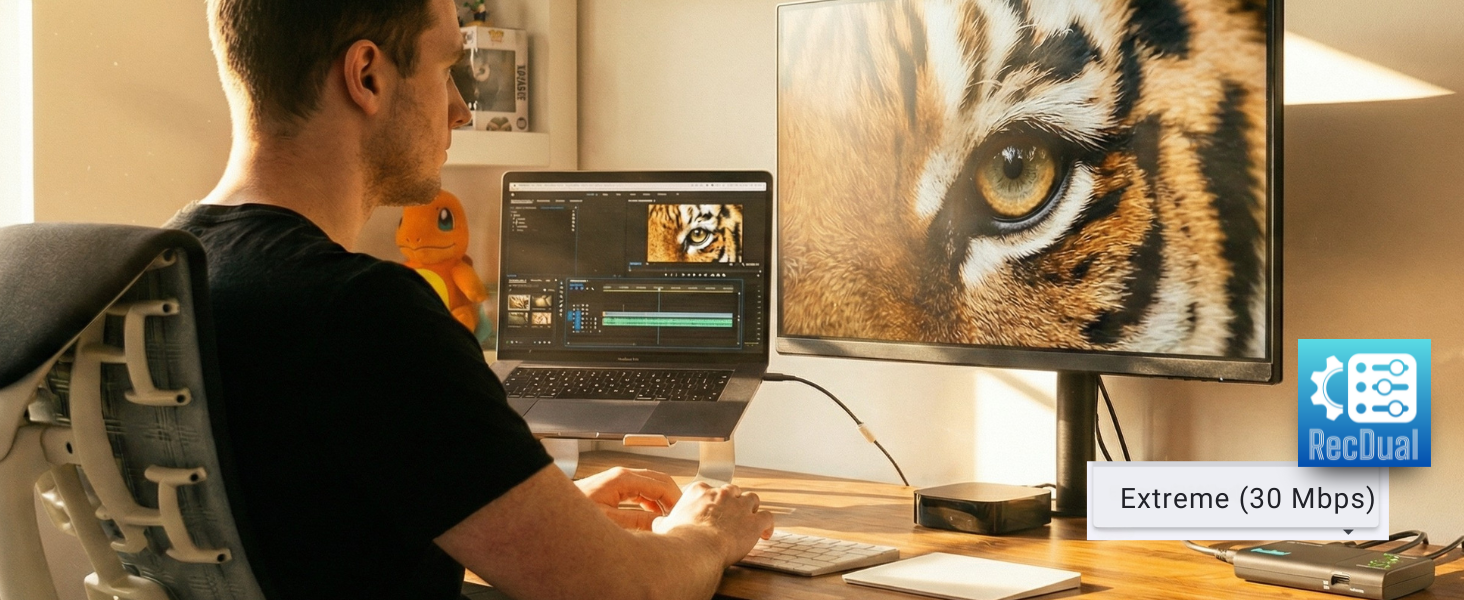
Up to 30Mbps
Professional H.264 Recording Quality
H.264/AVC encoding at up to 30Mbps delivers crisp footage. Easily set by using RecDual Link App.
-
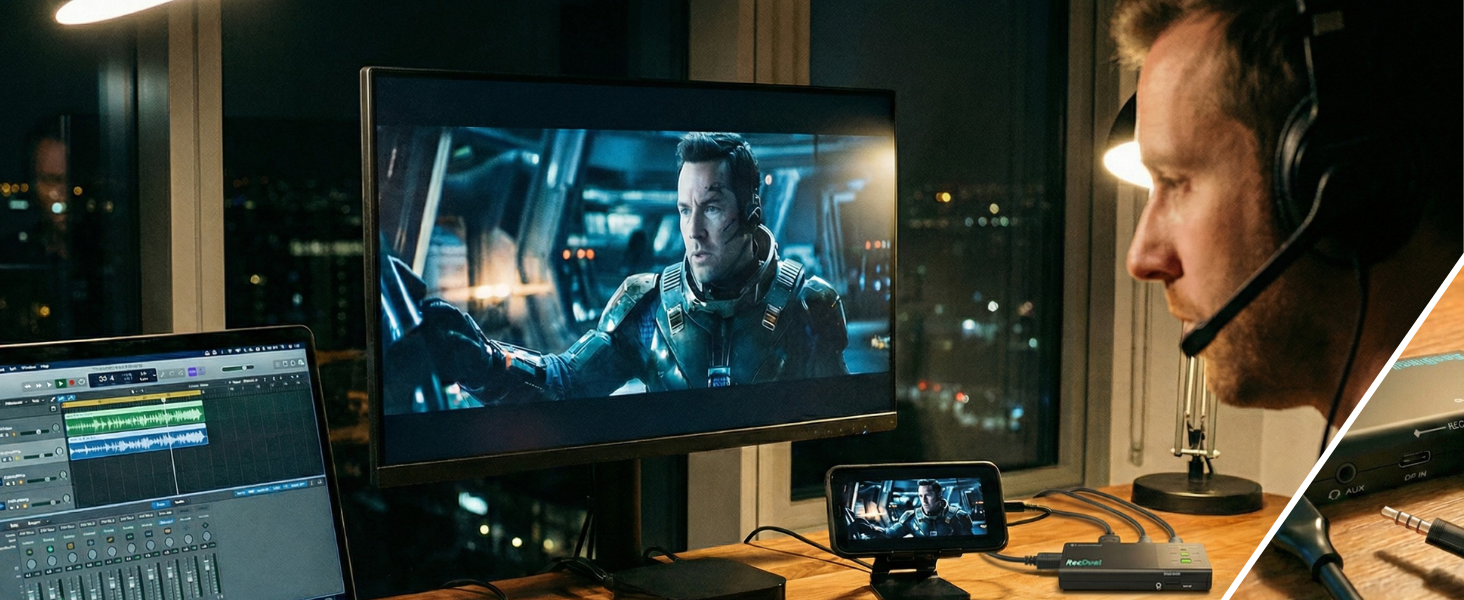
Mic In / Audio Out
Flexible Sound, Simple Setup
Use AUX IN for mic input or audio output, you can mix commentary or monitor sound while recording.
-
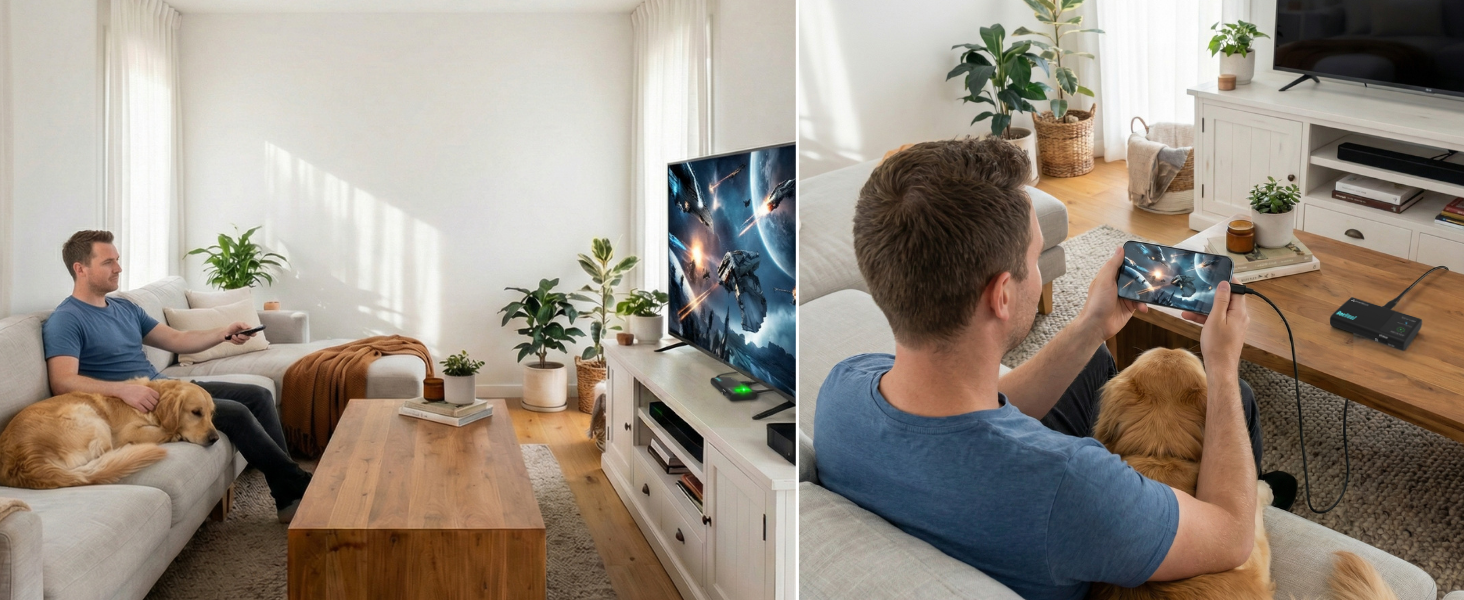
Instant Playback Mode
Watch Your Recordings Anywhere
It can be used as an external storage device. Don’t need to transfer MP4 files for playing anymore.
-
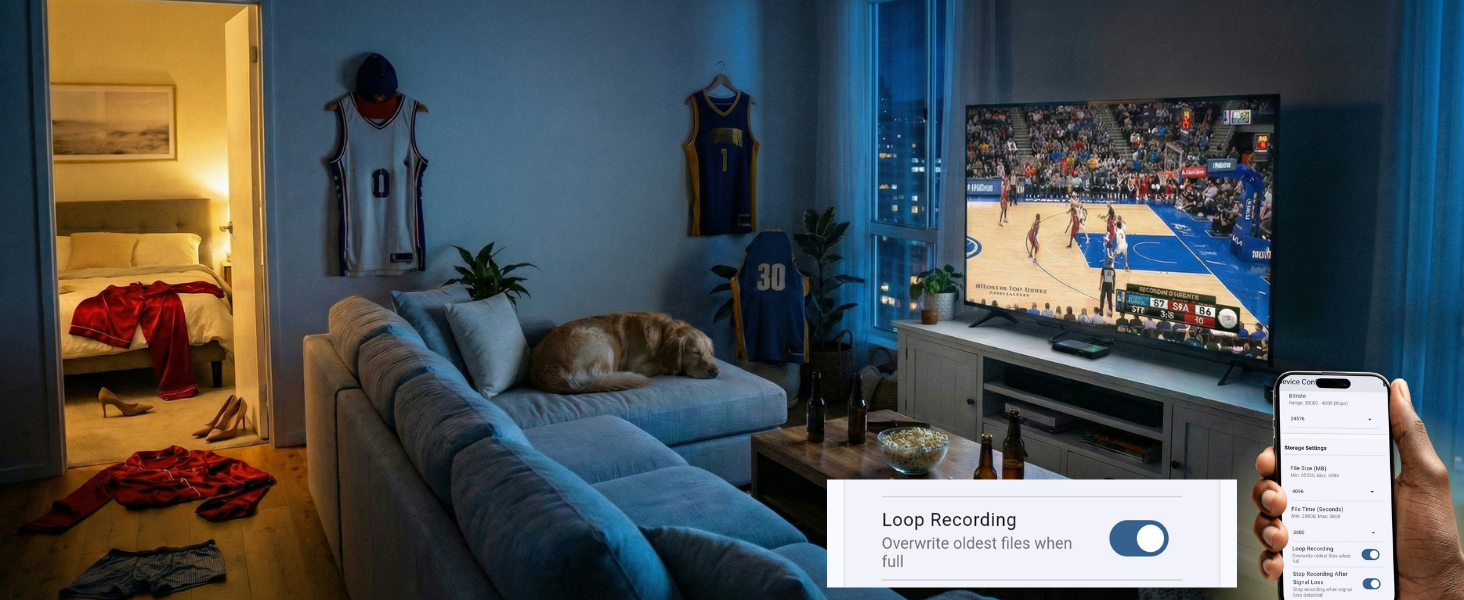
Never Miss a Moment
Record the Entire Game While You Enjoy
Enable loop recording. Auto-overwrites oldest files when full — capture every highlight hands-free.
-
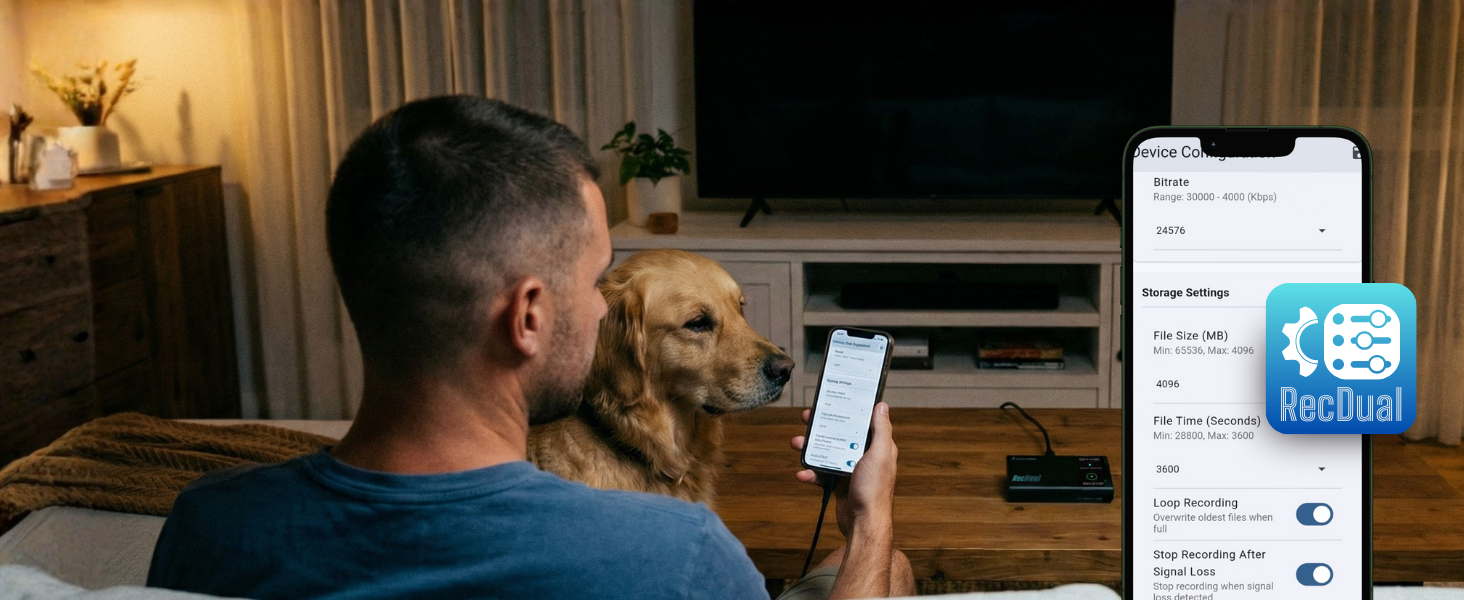
Full Control
Configure, and Manage with App
Configure recording, adjust settings, update firmware, manage files — all from the RecDual Link app.
-
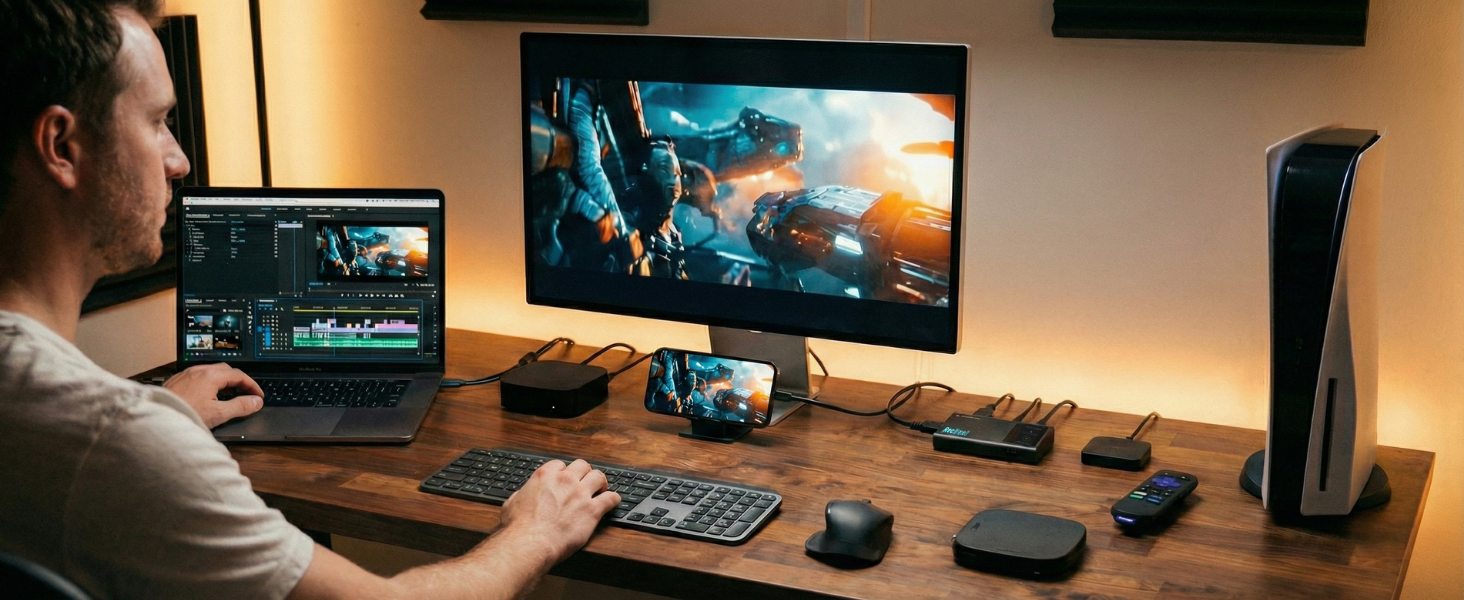
Edit-Ready Footage
From Any Device to Your Editing Timeline
Consoles, phones, laptops — record from any source and import MP4 files straight to your editor.
Technical Specifications
| Maximum Recording Resolution | 1920×1080@60fps |
| Video Passthrough | Up to 4K@60fps passthrough |
| Input Interfaces | HDMI and USB Type-C (DP Alt Mode) |
| Video Encoding Bitrate | Up to 30Mbps |
| Audio Encoding Bitrate | 192Kbps (AAC, 48Khz) |
| Passthrough Latency | Less than 20ms |
| Encode Formats | H.264/AVC only |
| Color Space | YUV 4:2:0, 8-bit |
| Storage Media | TF Card(MicroSD) |
| Power Input | USB-C (PD 2.0), 65W pass-through charging |
| Audio Input | AUX (3.5mm, MIC/LINE compatible) |
| Supported OS -RecDual Link App | Windows, Android, iOS |
-
Does RecDual Dongle record 4K video?
It supports 4K@60 passthrough to HDMI OUT, and records up to 1080p@60 to the TF card.
-
Why is my phone/laptop speaker muted during recording?
Audio is routed through the capture path. Use the 3.5mm AUX port for headphones/speakers, or listen from the TV via HDMI OUT.
-
My phone asks to format the TF card when connected—what should I do?
Insert the TF card into RecDual Dongle first, then connect the phone via USB Type-C DP. This avoids the system format prompt and keeps recording files intact.
-
Why doesn’t a TF card formatted by my phone work?
Some phones create non-standard partitions. Format the TF card on a Windows PC or a Mac (standard exFAT/FAT32) before use for best compatibility.
-
Can the Type-C power port charge every phone?
The power port supports PD charging. If your device uses a different fast-charge protocol, charging may be limited; recording and passthrough still work normally.


Reviews
There are no reviews yet.