
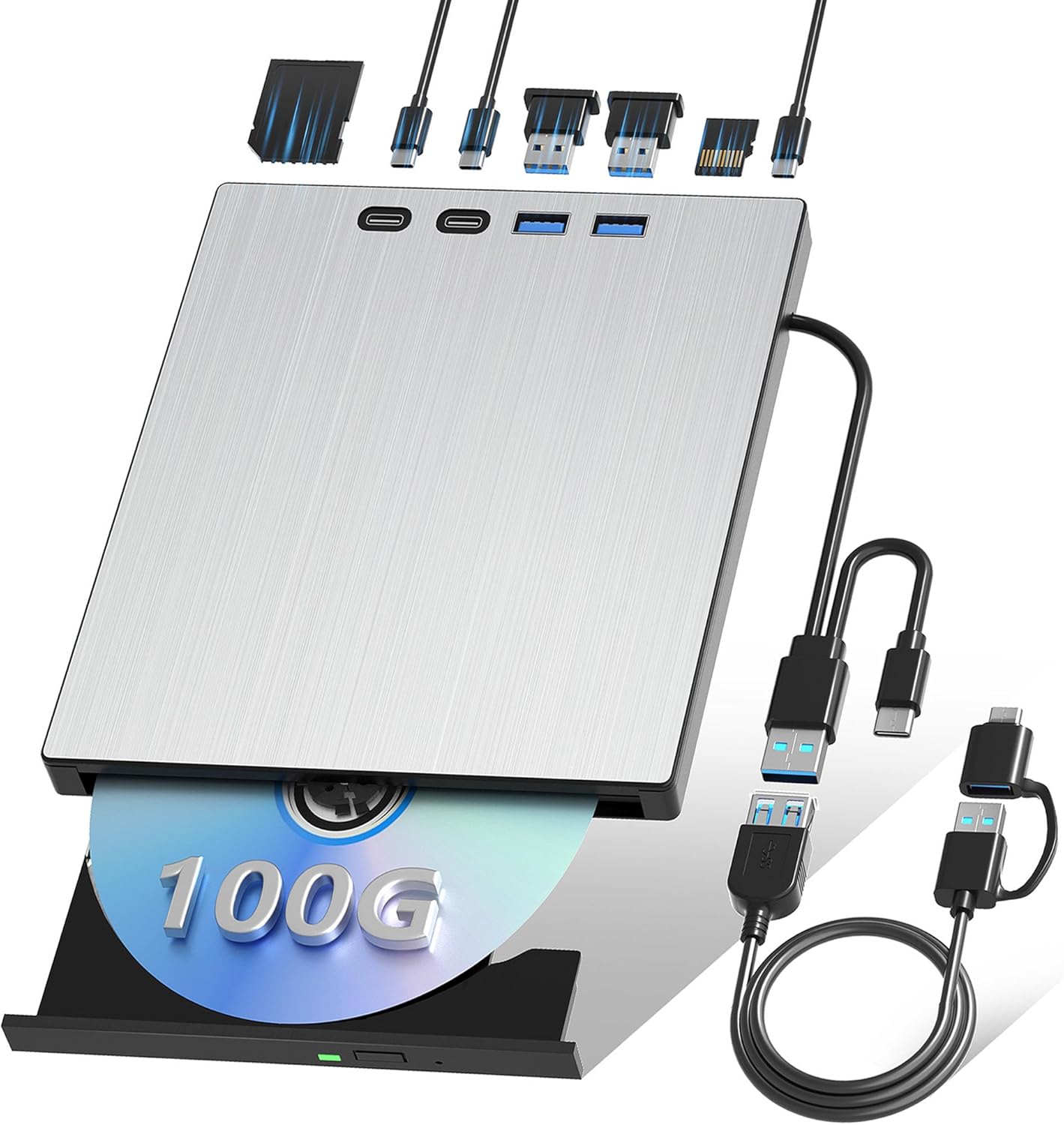
Description
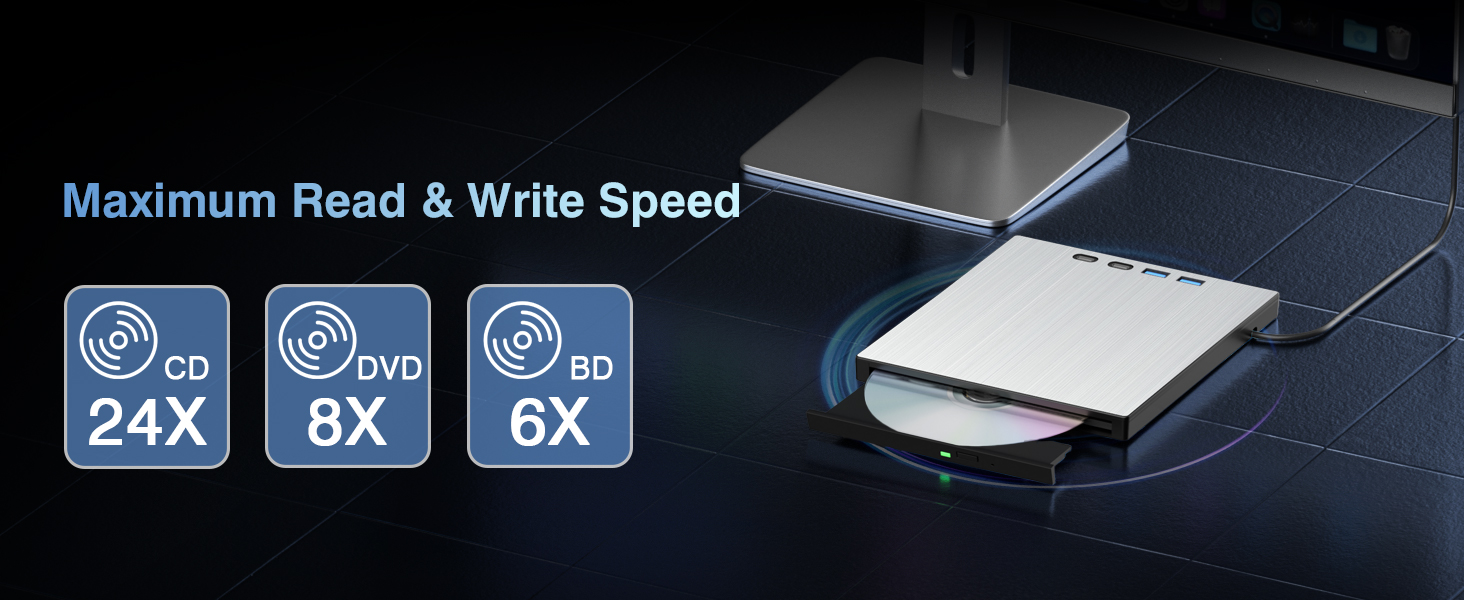
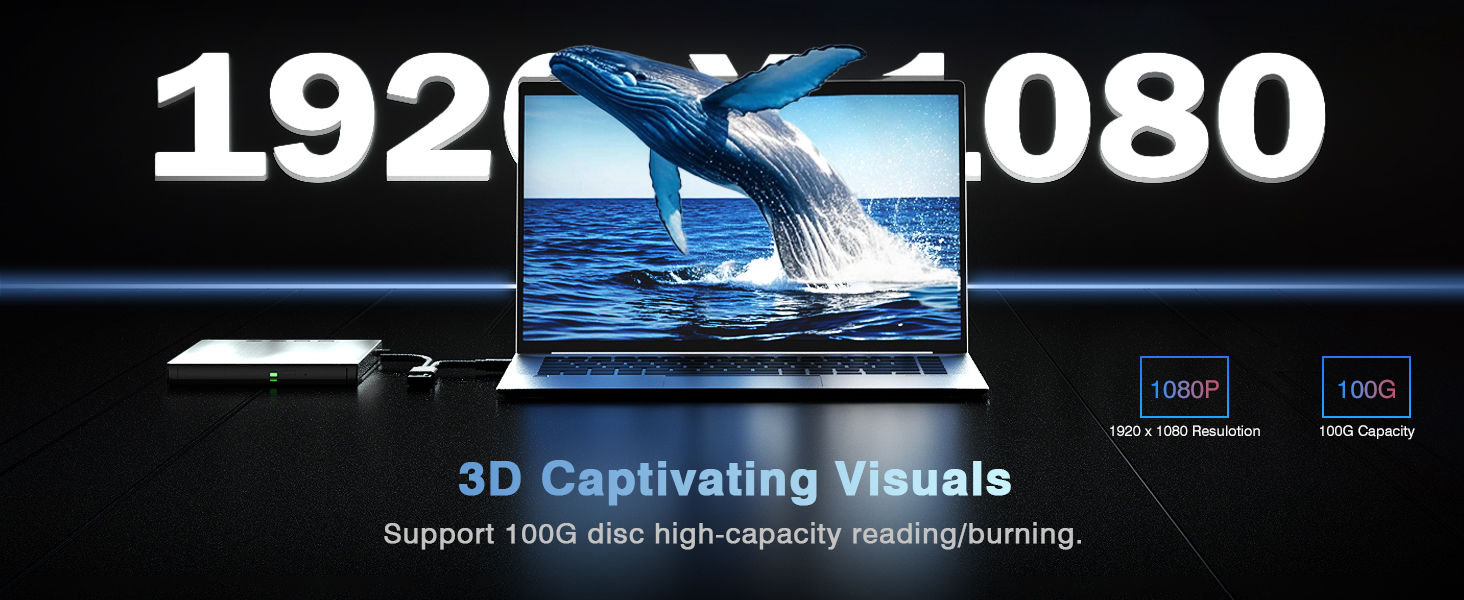
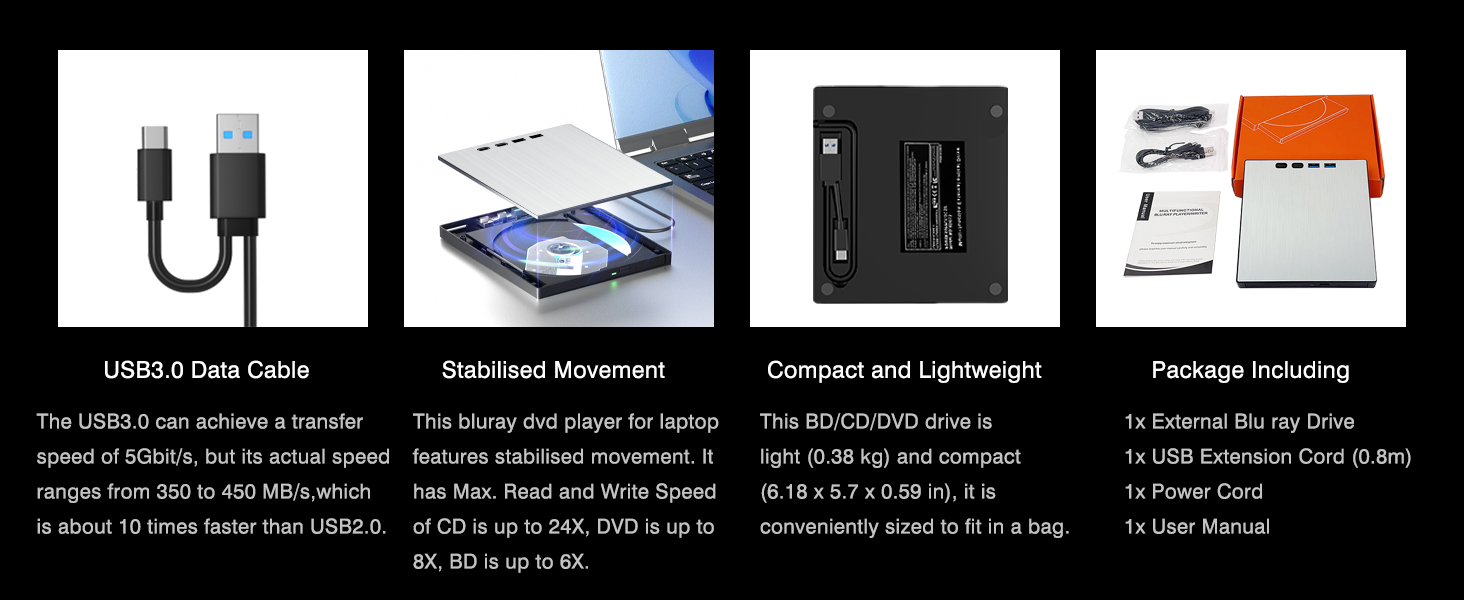
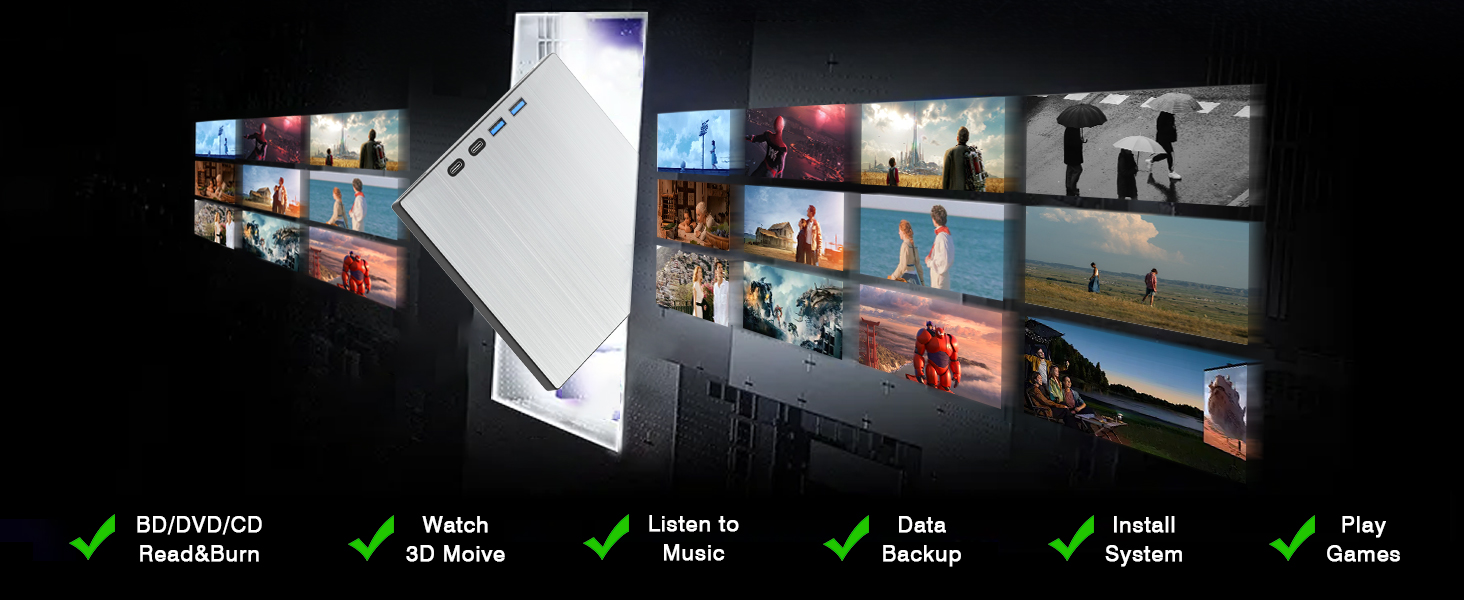
- 100GB Blu-ray Read/Write: This external Blu-ray burner supports reading and writing to CDs, DVDs, and BDs; the maximum burning speed is 24X for CDs, 8X for DVDs, and 6X for BDs. It’s ideal for backing up videos, files, games, and system installation files. It supports high-capacity Blu-ray discs with up to 100GB of storage
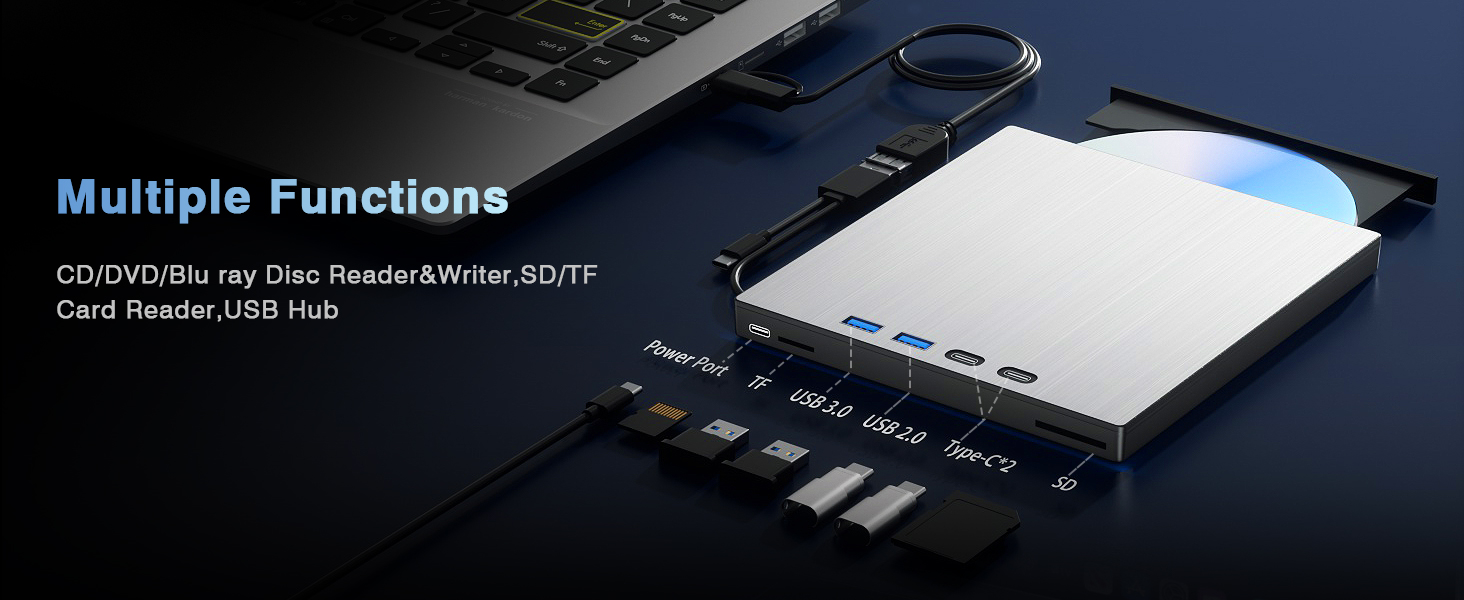
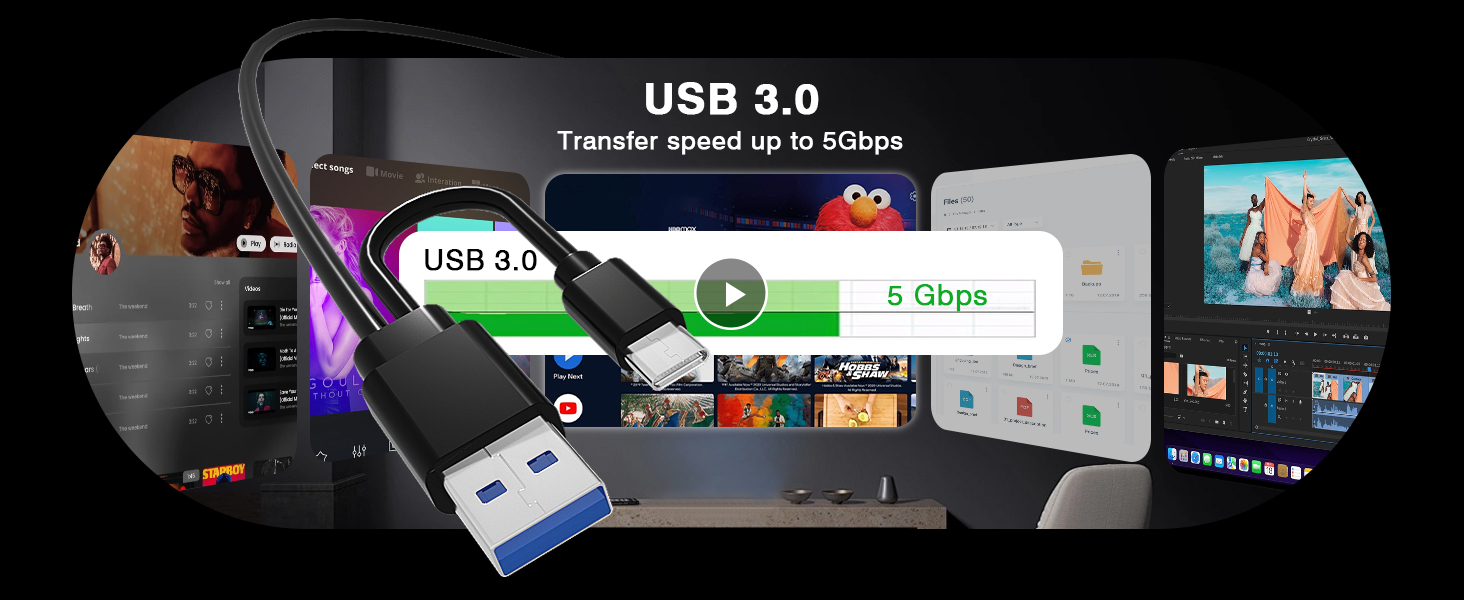
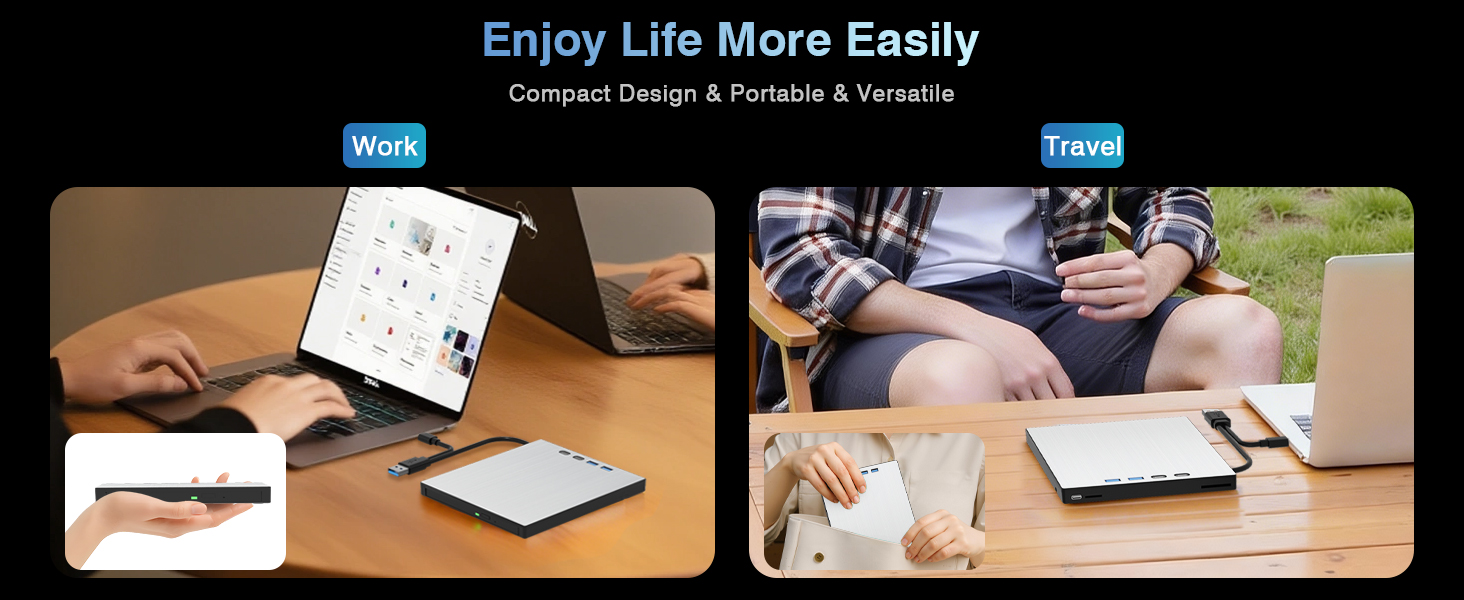
- 7-in-1 Versatile Expansion Hub: Built-in USB 3.0, USB 2.0, 2×Type-C, SD & TF card readers.But the SD card slot and the TF card slot cannot be used at the same time.Bi-directional data transfer up to 5Gbps, smooth 1080P video playback. Backward compatible with USB 2.0, plug and play for stable, low-noise operation. Access optical discs while connecting peripherals simultaneously, Perfect as an external optical drive for a laptop
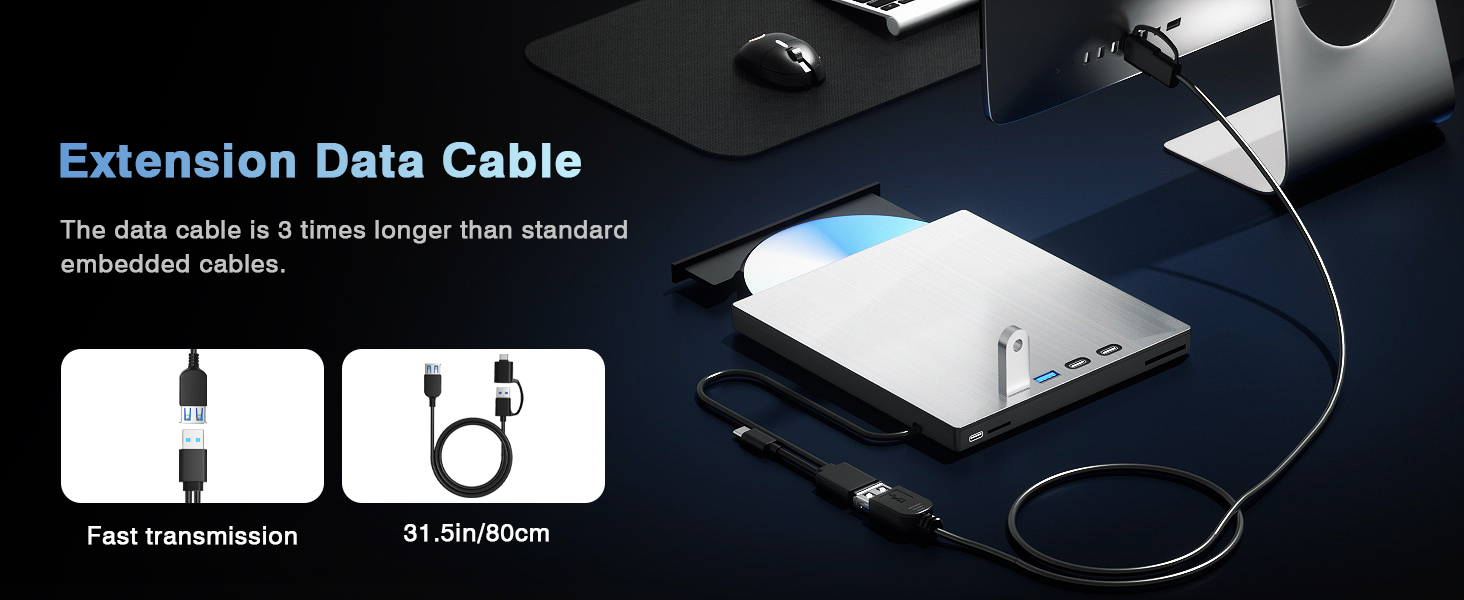
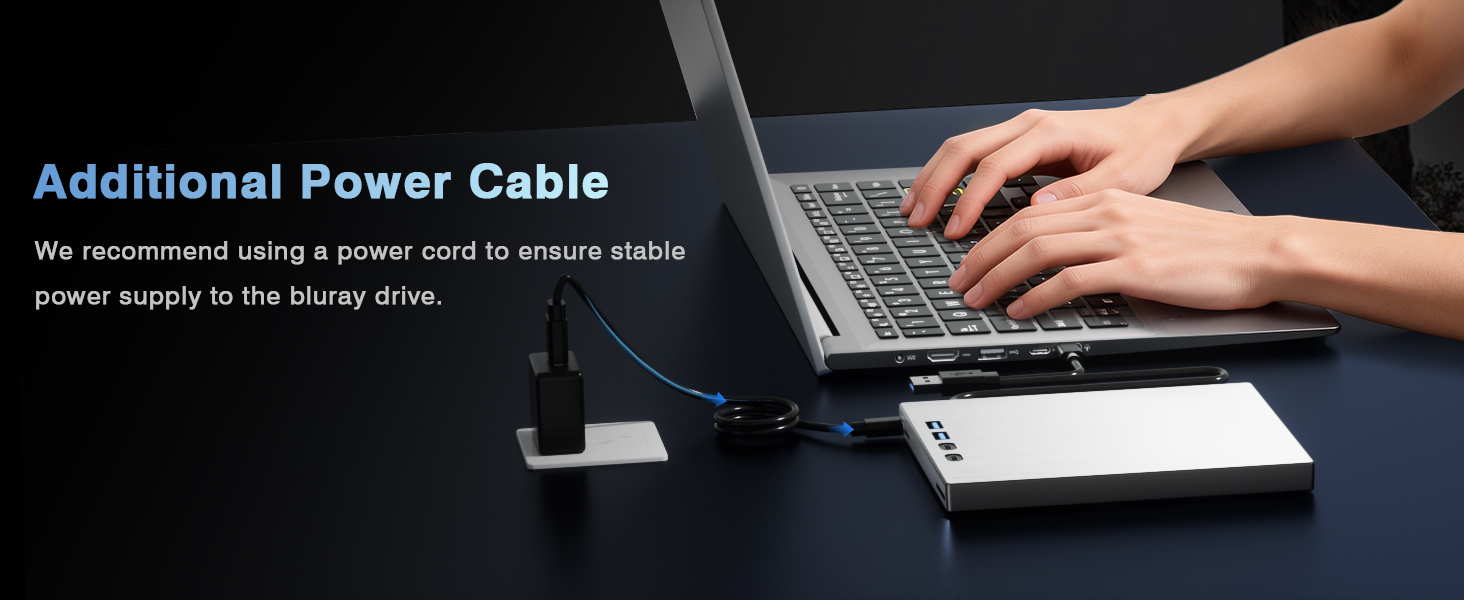
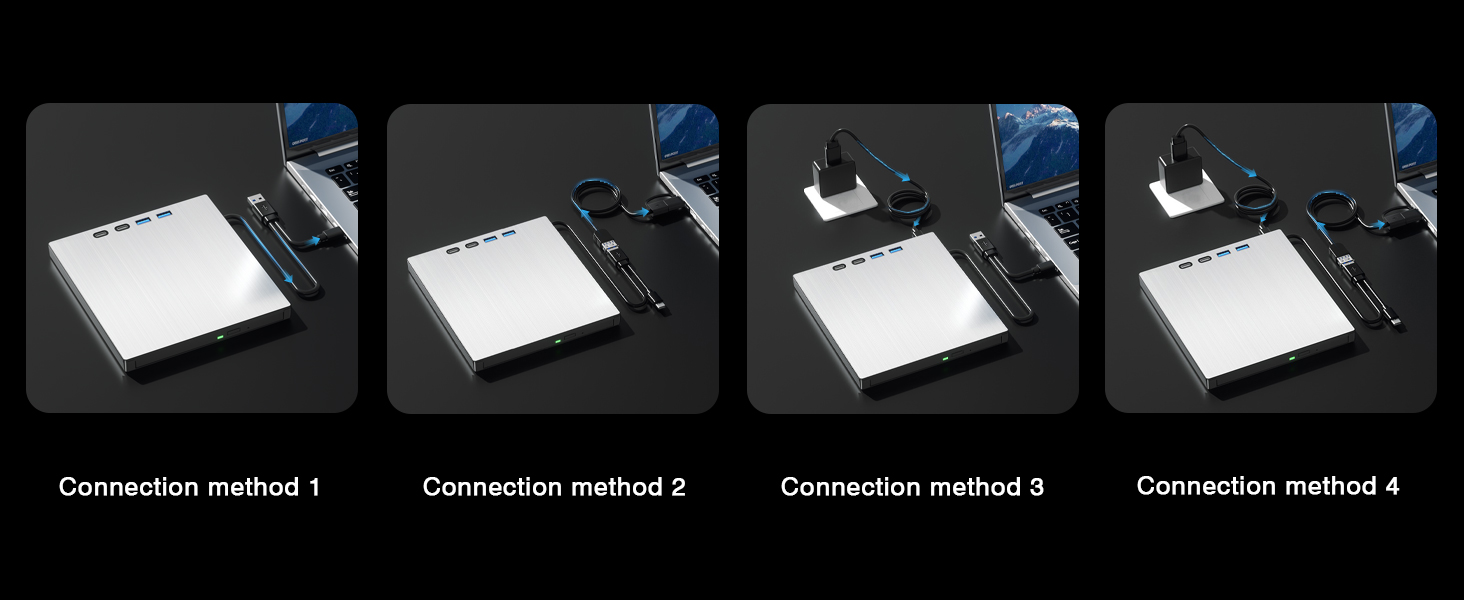
- Extra Extension Cable & Power Cord: Equipped with 0.8m extension cable for flexible placement. Additional power port ensures steady reading & burning performance during long-time use
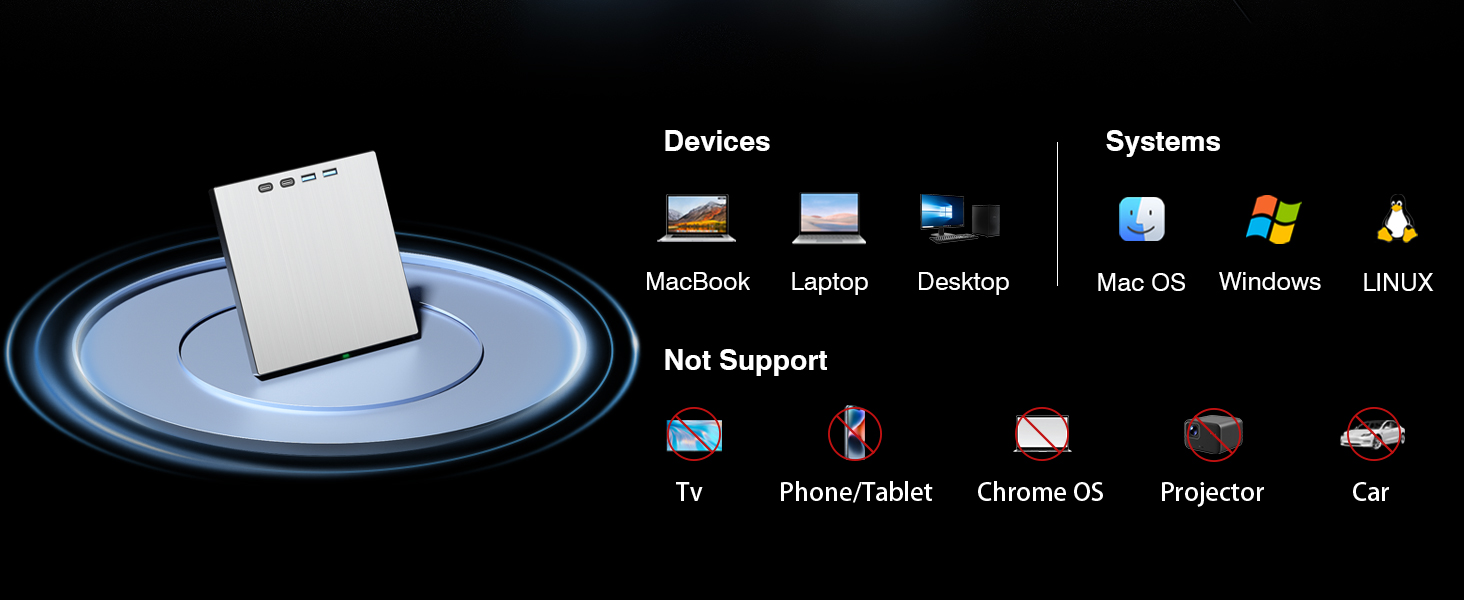
- Wide System Compatibility: Works with Windows 11/10/8/7, Mac OS and Linux. Note: Not support 4K Ultra HD Blu-ray discs. No playback software included; third-party media software (VLC, PowerDVD, Leawo) required for Blu-ray playback. Not compatible with mobile phones, tablets, TVs or projectors
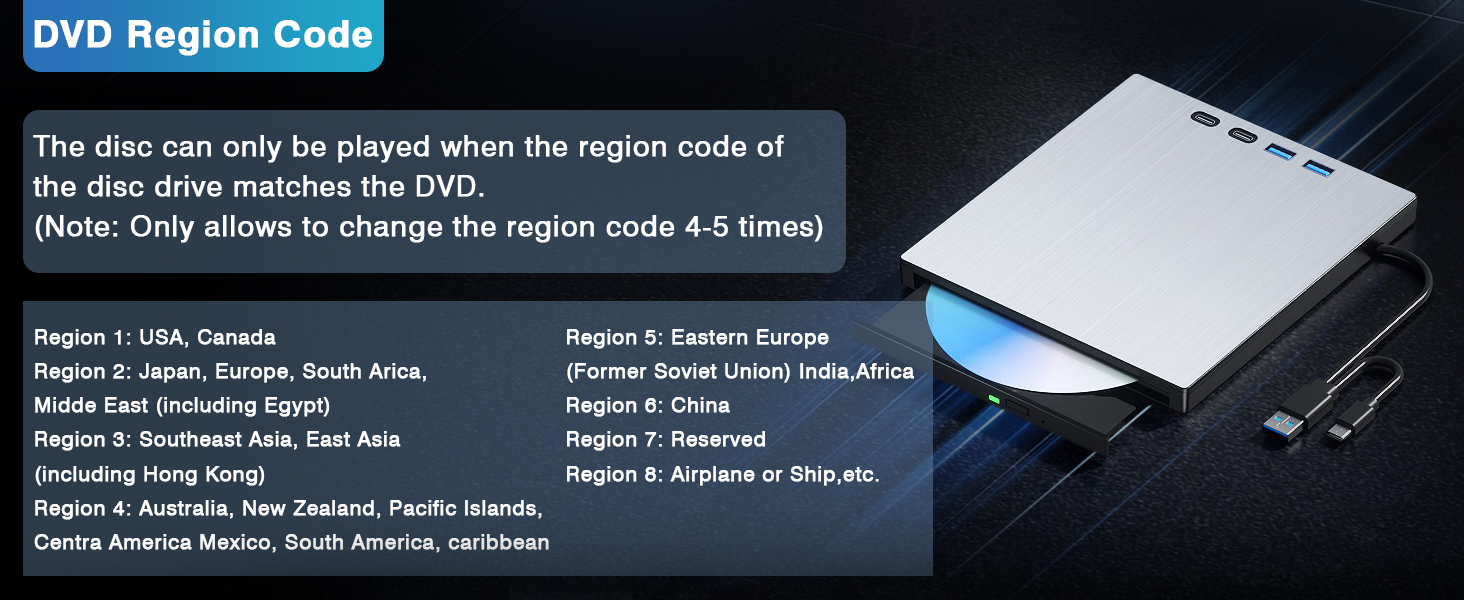
- Multiple region codes can be switched: This product supports 8 region codes that can be changed, but please note that you can only change the region code a total of 4 to 5 times.If you encounter any issues after purchase, please contact customer service promptly
| Additional Features | Backward Compatible, Error Correction, Noise Reduction Technology, Plug & Play, Slip Resistant |
|---|---|
| Hardware Interface | USB 3.0 Type C |
| Optical Storage Write Speed | CD 24x, DVD 8x, BD 6x |
| Optical Storage Read Speed | CD 24x, DVD 8x, BD 6x |
| Hardware Platform | Desktop, Laptop, PC |
| Compatible Devices | Desktop/Laptop Computers (Windows 11, 10, 8, 7, Mac OS, Linux) |
| Connectivity Technology | USB |
| Data Transfer Rate | 5 gigabits_per_second |
| Digital Storage Capacity | 100 GB |
| Form Factor | External, Portable |
| Media Speed | CD 24x, DVD 8x, BD 6x |
| Specific Uses For Product | Data storage and archiving, Computer use, Expanding workspace, Connecting peripherals |
| Operating System | Linux, Mac OS, Windows |
| Read Speed | 6 x |
| Model Number | 0759357095411 |
| UPC | 759357095411 |
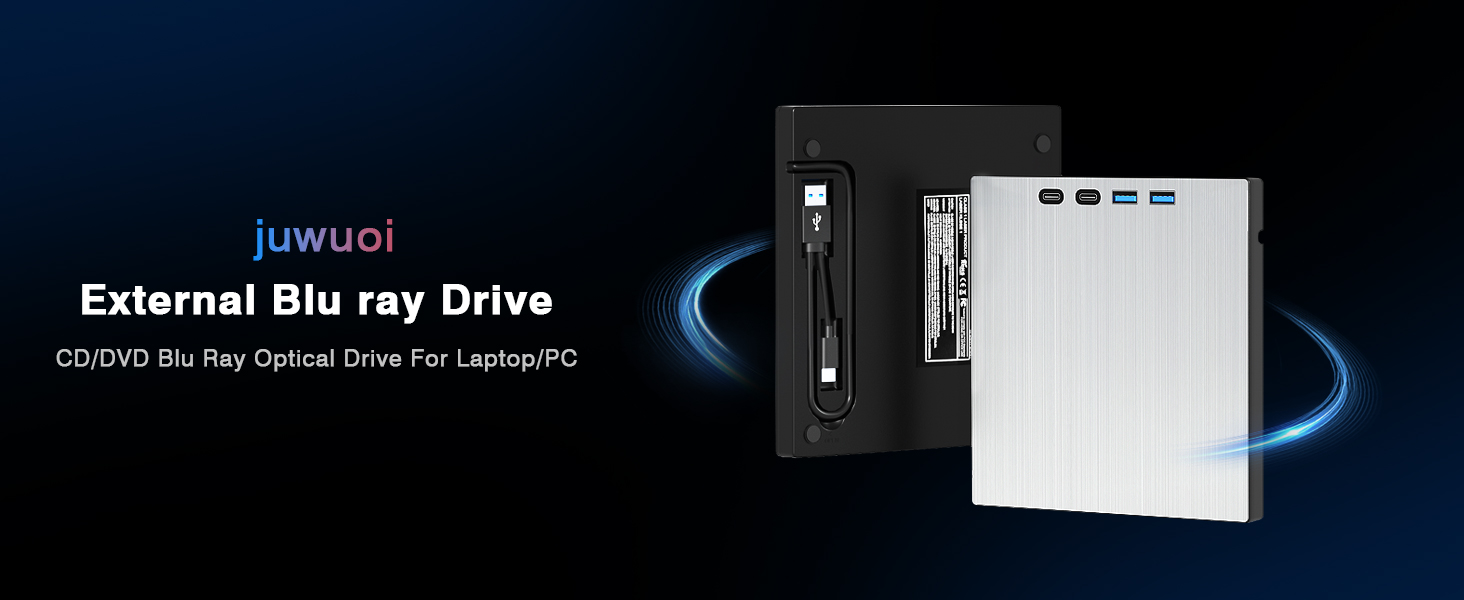
| Manufacturer | juwuoi |
| Built-In Media | 1*External Blu ray Drive, 1*Power Cable, 1*USB Extension Cable (0.8m), 1*User Manual |
| Unit Count | 1 Count |
| Warranty Description | 1 year |
| Special Feature | Backward Compatible, Error Correction, Noise Reduction Technology, Plug & Play, Slip Resistant |
| Optical Storage | CD 24x, DVD 8x, BD 6x |
Q&A
Quesion1:The external Blu ray drive shows a connection failure with the computer.
1. Pls check if the optical drive is being recognizes by your computer.
For Windows OS: You can see the BD RW icon in Windows explorer. Use the data cables on the back (bottom) of the optical drive to connect your computer’s USB port or desktop computer host. We have a power cord that we recommend using together. Do not connect USB extension hub.
For Mac OS: The Mac OS computer will not display the device icon until the disc is placed in the optical drive and read successfully.
2. Pls check the Device Manager: If the optical drive displays a yellow exclamation mark or question mark, there may be a driver issue. You need to right-click and select ‘Update Driver’, or uninstall the driver and restart the computer, then connect the optical drive, and the system will reinstall the driver automatically.
3. Pls check the BIOS settings: Enter the computer’s BIOS settings interface to see if the optical drive is disabled. If it is disabled, enable it.
Quesion2:The optical drive connection is successful, but the disc still cannot be played.
Step1: Set the region code (CDs do not have region code). The disc can only be played when there on code of the DVD drive matchesthe DVD. (Note: Only allows to change the region code 4-5 times.The operating steps are on the last page of the manual.)
Step2: Insert your CDs or DVDs, Use a media player. If playing Blu ray disc, it is necessary to download Blu ray playback software in advance. (For Windows, such as PowerDVD,VLC etc. For Mac OS, such as Macgo Blu ray Player,etc.) Pls make sure Blu-ray playback software is compatible with your computer system. Test it by downloading the software ’Cyberlink BD & 3D Advisor’. The software will verify whether your computer is equipped for Blu-ray or 3D playback. This product does NOT include playback software.
Note: Please ensure that the optical drive is clean: As any dirt may prevent it from functioning correctly. It is recommended that a professional optical drive cleaner or cotton swab be used to gently clean the read-write head of the optical drive.


Reviews
There are no reviews yet.