
Description
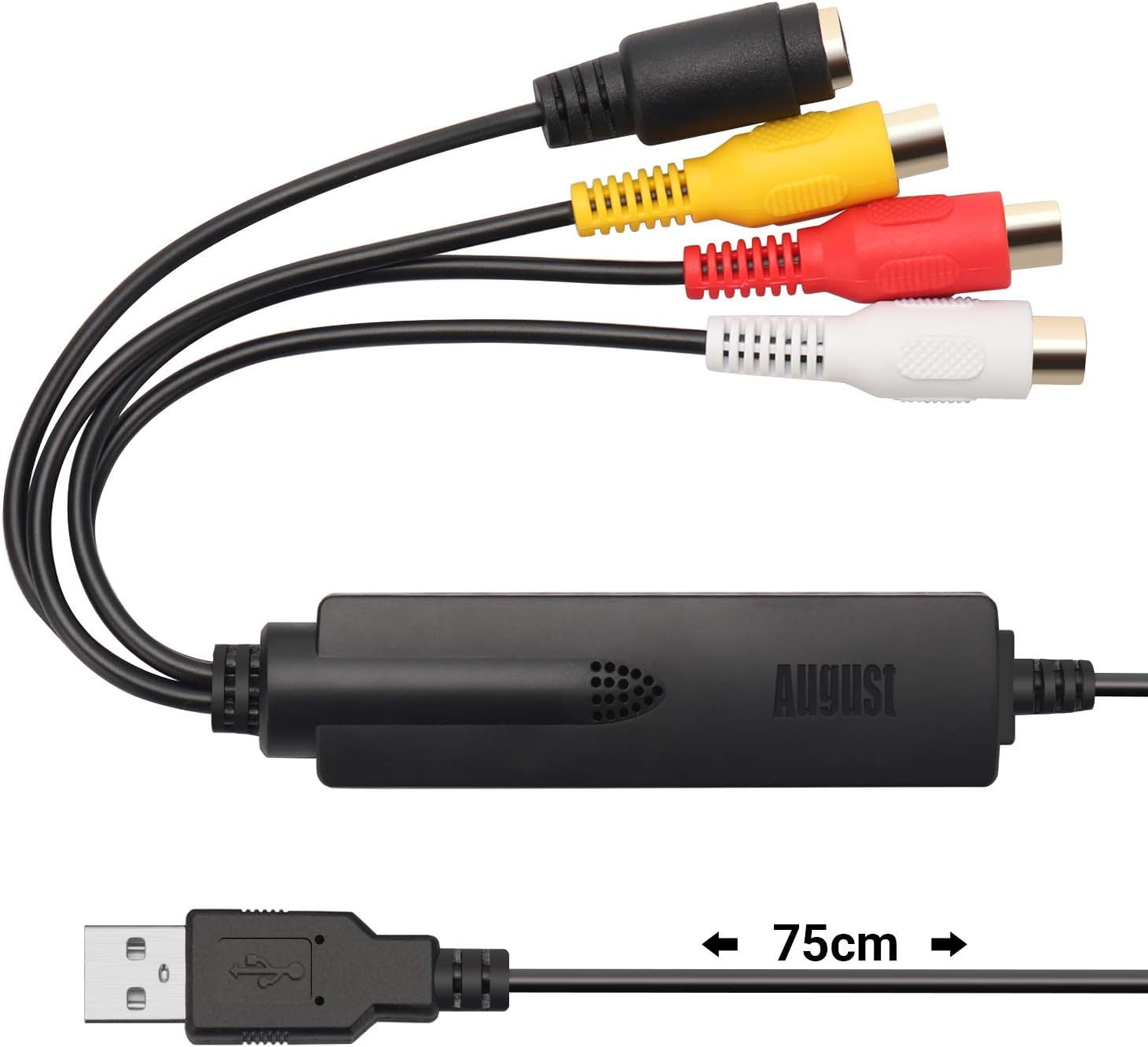
- [USB Video Capture Card] – The August VGB350 can convert your analogue videos to a wide variety of digital formats, i.e. MPEG 1/2/4, WMV, MP4, BMP etc. It is compatible with analogue sources such as: VHS, VCR, DCR, Set-top box, Video recorder, Camcorder, Mini-DVD Player, VHS Tapes, etc.
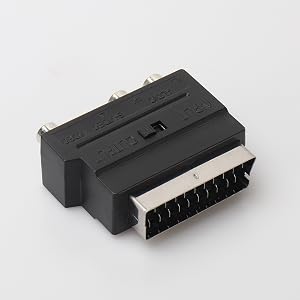
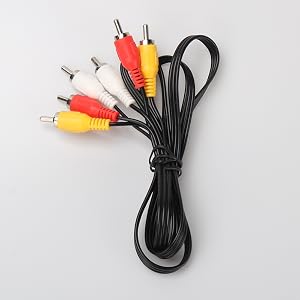
- [Composite and S-Video Outputs] – Both an AV cable and a SCART adaptor are included with the August VGB350, which allows you to connect analogue devices either via Composite or S-Video Output.
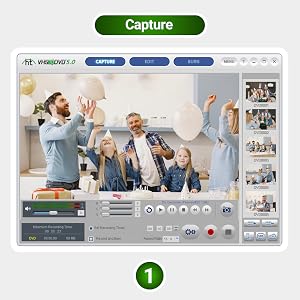
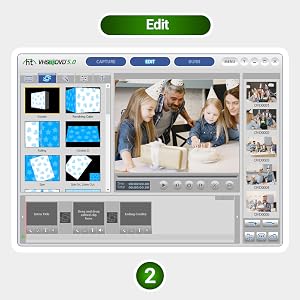
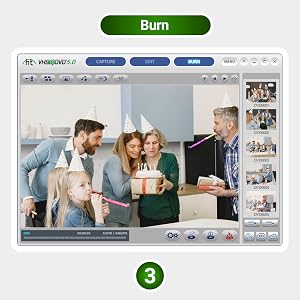
- [Video Capture Software Included] – The August VGB350 includes a user-friendly editing software that allows you to convert your videos into digital files, edit and burn them to a DVD. The software included is Honestech VHS to DVD 5.0 (Windows only). The August VGB350 can also be used with open-source Video Edit Software OBS (Windows).
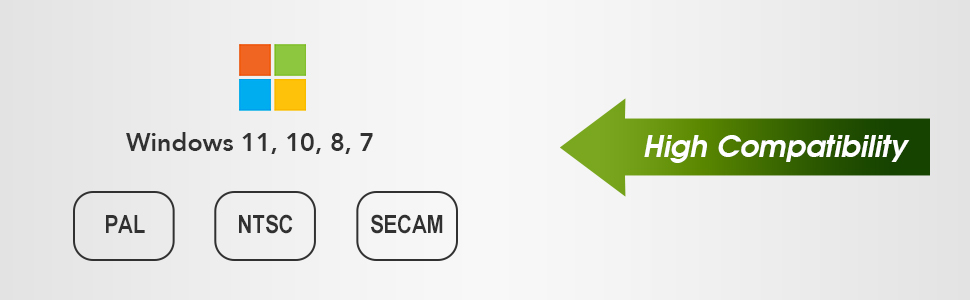
- [Compatible with Windows] – the August VGB350 is compatible with Windows 7/8/10. It also supports video standards such as: PAL, NTSC and SECAM. It can be used worldwide.
- [Live and Retro Gameplay Recording] – the August VGB350 can connect to Xbox 360 / PS3 / Game Cubes and record any game play footage from consoles with SD video out and save it on the PC.
| Hardware Interface | USB |
|---|---|
| Video Capture Resolution | 480p |
| Operating System | Windows |
| Antenna Location | Converting analog video and audio sources to digital format, saving VHS, Hi8, Mini DV tapes, and other sources to a PC, burning favorite moments from videos onto a DVD disc, and recording retro gameplay |
| Other Special Features of the Product | Snapshot Function |
| Platform | PlayStation, Windows, Xbox |
| Tuner Type | PAL, NTSC, SECAM (analog) |
| AV Output | MPEG-2, MP4 |
| Compatible Devices | Windows 7, 8, 10,11, Vista, XP |
| Minimum System Requirements | CPU Compatibility: Intel or AMD 1.4Ghz or Higher, Graphics Card Compatibility: 512MB or Higher, RAM Compatibility: 256MB or Higher, Operating System Compatibility: Windows 11, 10, 8 and 7, Hard Disk Space Compatibility: 1GB for Software (More space required for saved recordings) |
| Item Weight | 62 g |
| Item Dimensions | 3.46 x 0.91 x 0.55 inches |
| Model Name | VGB350 |
| Built-In Media | CD Software, Scart Adapter, RCA Extension Cable |
| Model Number | VGB350 |
| Manufacturer | August |
| Number of Items | 1 |
| Item Type Name | video-capture-cards |
| Mfr Part Number | VGB350 |
| Price | $29.95 $ 29 . 95 |
| USB | USB2.0 |
| Compatiable | Windows 11, 10, 8, 7, Vista, XP |
| Video Standard Format | PAL/NTSC/SECAM |
| Driver and Software CD Player Included | ✓ |
| SCART Adapter and RCA Cable Included | ✓ |
| Interface Connected to the Device | AV compositeor S-Video |
| Software | VHS TO DVD 4.0 SE |
| Plug & Play | no data |
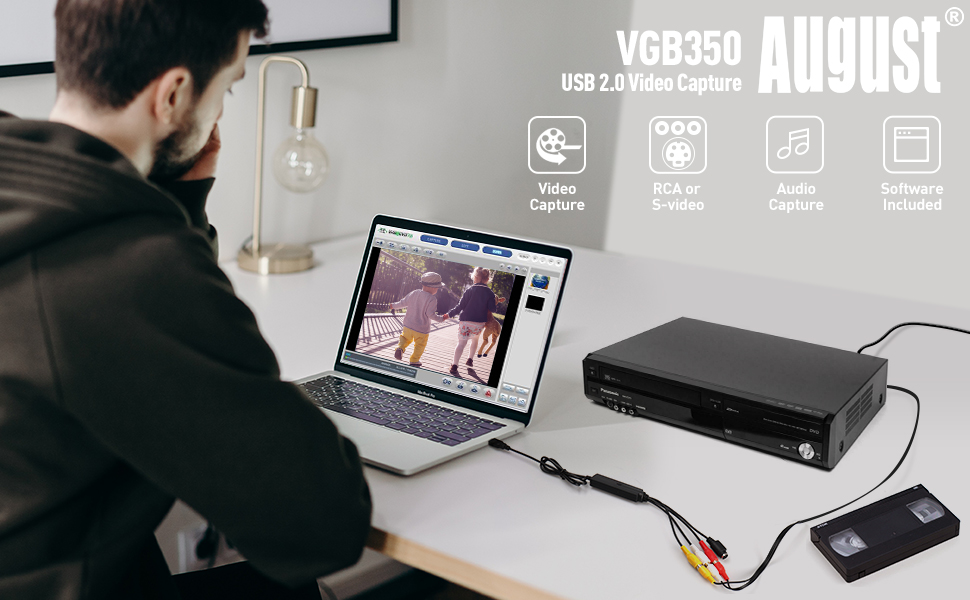
Transfer your VHS tapes and camcorder movies directly to your computer’s hard drive
The August’s VGB350 Video Capture Card is the best solution for digitizing your old videos from your VHS tapes to MPEG and save your memories time.
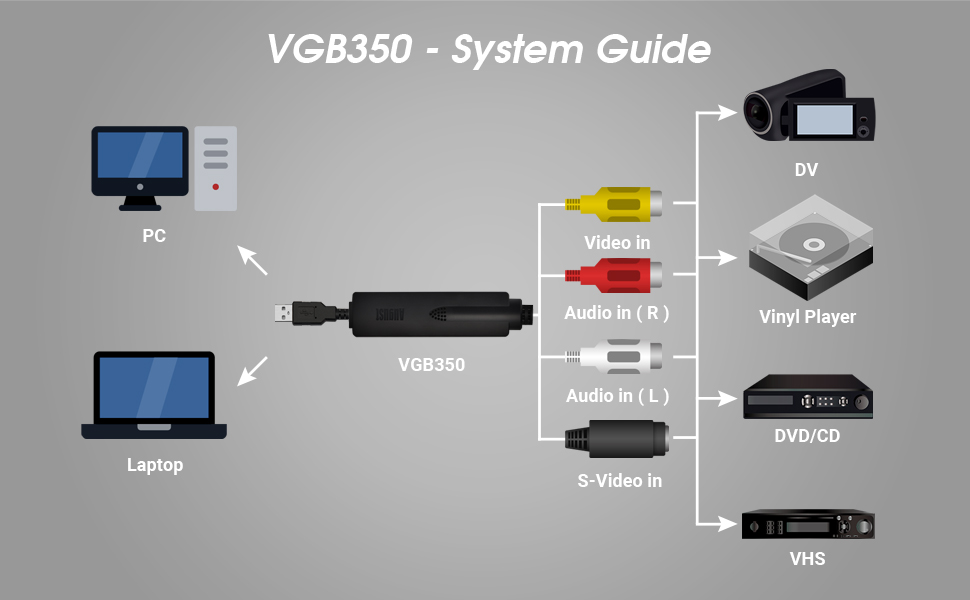
You just need to connect your camcorder, VCR, DVD player to your computer by connecting the RGB cables or the S-video cable or SCART Adapter. You will then be able to save them on your computer or USB stick or SSD in the desired format using the August Included software.
With your films on your computer, you will be able to share them on Facebook or even YouTube, play them on your Smart TV or on your tablet, take them with you on your Smartphone, and make video edits using the software provided.
With the VGB350, you will also be able to create and digitize your digital audio and photo cassettes. You will therefore not be restricted to video, which transfer your VHS tapes and camcorder movies directly to your computer’s hard drive. Convert your VHS, VHS-C, Mini DV, Video 89, Hi8.
The VGB350 capture key is compatible with any video recorder equipped with a SCART socket and any camcorder equipped with a video output.
Get a nice picture quality corresponding to the current condition of the tape. Despite the years, the image remains perfectly usable.
Editing software allows adding text, titles, combining multiple videos into one and multiple other options.
The USB key can be used with software other than that supplied if desired.
You will find the USB key, an extension cable to connect to your source device, a SCART adapter for use on a VCR, a software installation CD (also available online), a user manual.
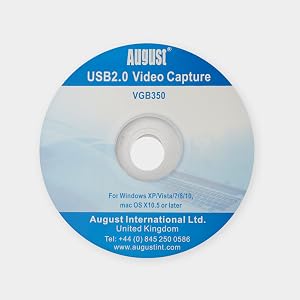
The Honestech software and drivers for VGB350 are on the provided mini CD. Or you can download them from August website if your computer does not equip with mini CD drive. Please note: Core Isolation with Memory Integrity is enabled by default on some editions of Windows 10 and Windows 11, such as Windows 10 Enterprise and Windows 11 Pro. On other editions of Windows, such as Windows 10 Home and Windows 11 Home, Core Isolation with Memory Integrity is typically disabled by default. It’s important to ensure that this setting remains disabled before attempting to install Honestech software. Enabling Core Isolation may cause issues with the installation process, resulting in an unsuccessful installation.
A few important steps before software installation:
- Anti-virus software may block the Honestech software from being installed properly. Disable Windows Defender, Avast, Norton or other antivirus software on your computer before installation.
- Similar video capture software on your computer may cause conflict with the Honestech software being installed. Uninstall other video capture software on your computer before installation.
- Make sure your computer camera and microphone’s access to this device in turned on.
- Make sure Core Isolation with Memory Integrity is disabled on your Windows 10 or Windows 11 computers, as enabling this setting may cause the Honestech software installation to be unsuccessful.
Troubleshooting tips:
Some Windows 10 or Windows 11 users may experience unsuccessful Honestech software installation. It is due to enabled Core Isolation with Memory Integrity settings on your computers.
- Click on the Start menu and select Settings (gear icon).
- Click on Update & Security, and then select Windows Security from the left-hand menu.
- Click on Device Security and then click on Core isolation details.
- Toggle the Memory integrity switch to the Off position.
- You may be prompted to restart your computer for the changes to take effect.
Some users may hear the sound but have trouble getting video preview. It is due to either the color mode compatibility or screen resolution issue.
To adjust color mode compatibility
- Right click on the Honestech icon on the desktop
- Click on Property
- Click on Compatibility
- Check “Reduced color mode”
- Switch 16 bits or 8 bits
Digitalize Your Old Footage
This USB key allows you to record in SECAM, PAL and NTSC format. It thus offers all the retro video formats for conversion from any cassette.
The software included is Honestech VHS to DVD 5.0 (Windows only). The August VGB350 can also be used with open-source Video Edit Software OBS (Windows).
OBS Studio is popular free and open source software for video recording and live streaming. If you’re looking for any kind of assistance with OBS Studio, please visit their official site obsproject.com. It has a help portal with links to resources and support channels and forums.
Create DVD Copies of Your Old Tapes
Video Capture card comes with RCA and S-Video inputs and also uses a USB 2.0 port. Any device with a composite output such as a VHS player can be used to transfer video and audio to your PC to share your precious moments.
You can also capture, and edit video straight from a camcorder and convert them to DVD by the software. Create DVDs to add to your collection of movies and favorite TV shows. The video capture compatibility includes: NTSC, PAL, MPEG 4/2/1, JPG and BMP formats and is fully functional on PCs operating on Windows 10 64 bit.
Convert your Different Cassettes
All cassette formats are compatible as long as the source device is compatible. Your VHS, VHS-C, mini DV, Hi8, DVD, audio cassette, vinyl are thus compatible and can be digitized.
System Requirements:
Operating System: Windows 10/8.1/8/7
CPU: P4 1.4Ghz or more RAM: 256Mb or more.
Graphics card: 512Mb or more
Free space on your hard disk: at least 1Gb Other requirements: Microsoft DirectX 9.0+ / Sound card / CD-ROM / USB 2.0 port.


Reviews
There are no reviews yet.